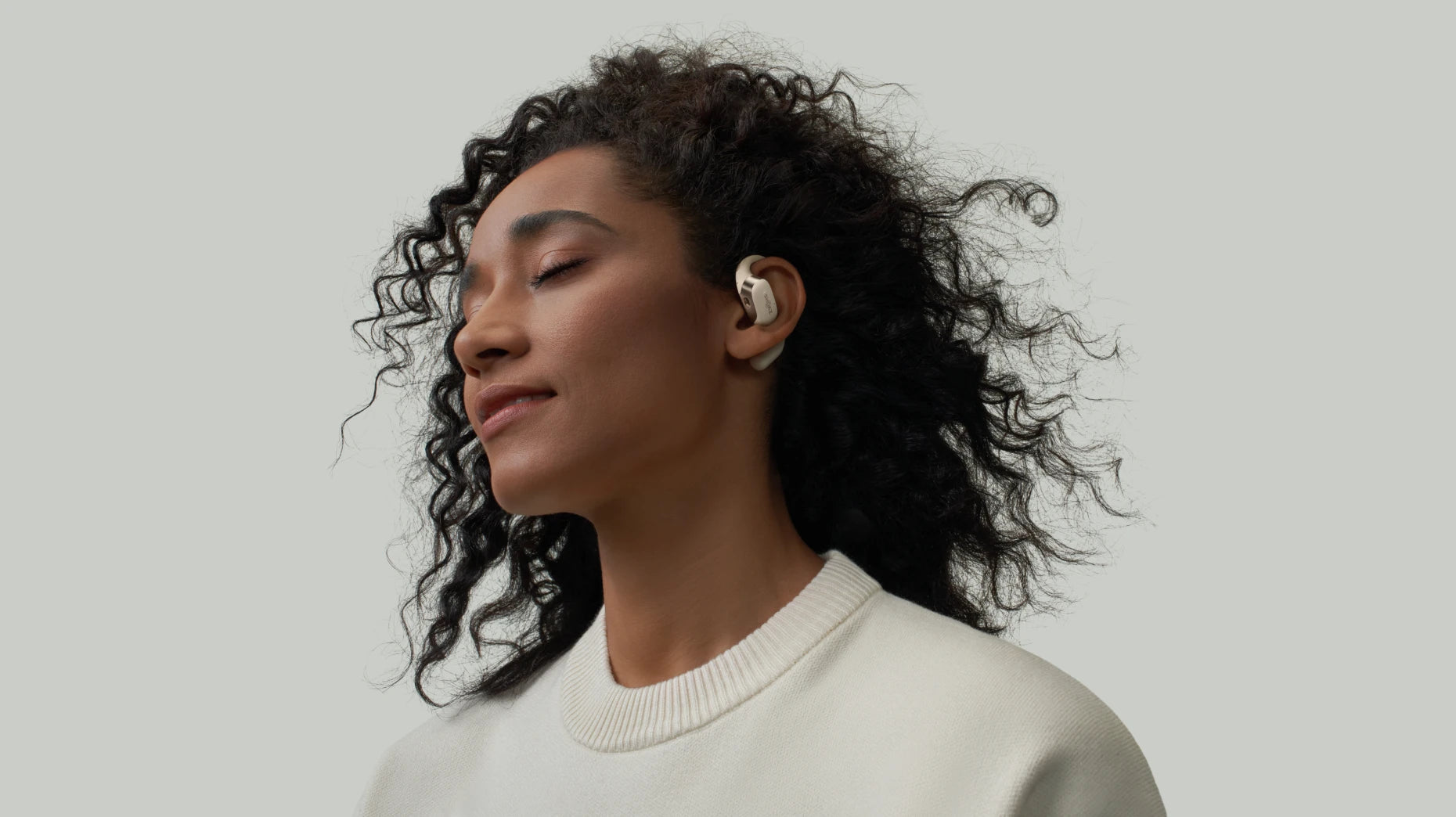
What Is an Equalizer? Understanding How It Improves Your Sound
Why does the same track sound killer on one set of speakers but totally hollow on another? It may come down to the equalizers. Well, what is an equalizer? It is also known as an EQ. It’s a tool that lets you tweak specific frequencies to clean up a muddy low-end or take the sharp edge off your treble. This guide will walk you through its types and benefits. You will also know how it enhances your daily listening experience. Whether you’re listening to a podcast on your commute or dialing in a playlist for the gym, knowing your way around an EQ is the easiest way to get more out of the gear you already own.
Understanding An Equalizer in Audio
What is an audio equalizer? It basically breaks sound down into separate frequency bands that you can nudge up or down on their own. It’s essentially a high-precision volume dial, but instead of cranking the whole track at once, you’re adjusting specific slices of sound, from low-end rumble to the crispness and beyond.
The actual equalizer meaning for most listeners today is really about control: you’re using it to balance out the quirks of your room’s acoustics, the specific "sound" of your headphones, or just your own hearing preferences. When you boost the mids on your earbuds, you're doing exactly what pro engineers do in the studio when mixing an album, just in a much more straightforward way.
Types of Equalizers
So, what is an equalizer in audio when you actually start looking at the hardware or apps? Different designs give you different levels of control. Picking the right one saves you a headache and gets you the sound you’re after, with sound quality unpacked so you can really hear the difference.
1. Shelving EQ
A shelf is about as simple as it gets. It either boosts or cuts everything above or below a certain frequency. High-shelf for the treble, low-shelf for the bass. There’s no fussing with narrow bands here. You just twist a knob and the whole side of the spectrum moves. It’s perfect for making quick, broad changes to the overall tone.
2. Filters
Unlike other EQs, filters are for taking things away rather than just tweaking them. A high-pass filter cuts out that low-end rumble, while a low-pass filter strips away the harsh highs. Recording engineers use these to clean up messy mic signals, but you’ll also find them in consumer apps as simple toggles to cut the extreme lows or highs that your headphones can’t even handle.
3. Graphic EQ
If you see a row of sliders, that’s a graphic EQ. Whether it’s 5, 10, or 31 bands, the idea is the same: each slider handles a fixed frequency. The cool part is you get a visual of your sound profile just by looking at the curve the sliders make. You’ll see these everywhere, from car stereos to music apps, mostly because they’re so intuitive to use.
4. Parametric EQ
This is for when you need to be surgical. Instead of fixed bands, you pick the exact frequency you want to hit, adjust the bandwidth (the Q factor), and then set your gain. It’s all about laser focus, like taming a weird resonance at 3.2 kHz without messing with anything else. Pro mixing software lives and breathes parametric EQ because nothing else gives you this kind of control.
5. Dynamic EQ
Dynamic EQ is the smart one of the bunch. It only kicks in when it’s actually needed. If a bass note starts peaking too hard, the EQ automatically pulls it back to stop distortion; once things quiet down, it lets go. This kind of adaptive gear is a lifesaver for live sound or mastering, where the audio is constantly shifting and you need the EQ to react on the fly.
Comparison Table
|
Type |
Control |
Best For |
|
Shelving |
Broad high/low cuts |
Quick tonal adjustments |
|
Filters |
Removes extremes |
Cleaning up unwanted noise |
|
Graphic |
Fixed-band sliders |
Intuitive, visual tuning |
|
Parametric |
Precise targeting |
Studio mixing, problem-solving |
|
Dynamic |
Adaptive response |
Live performance, mastering |
Benefits of An Audio Equalizer
An EQ audio equalizer gives you the power to actually fine-tune different frequency ranges, which goes way beyond what a simple volume knob can do for clarity and balance.
1. Shaping The Sound
Every recording has the "fingerprint" of the studio where it was put together. Some tracks come out a bit too bass-heavy, while others lean into those sharp highs. Equalizers settings let you rebalance things to suit your own ears or to make up for whatever your headphones might be lacking. Cranking the mids a bit can bring the vocals forward, while rolling off the extra treble helps stop your ears from getting tired during a long session.
2. Improving Overall Audio Quality
Most speakers and wireless headphones have their own little quirks, dips and peaks that colour what you're actually hearing. Using EQ helps smooth out these imbalances for a clearer, more natural sound. It’s not just about making things louder; it’s about pulling out the details that were getting buried by an uneven response.
3. Optimizing Audio for Diverse Environments
If you’re in a loud gym, that background noise is going to drown out the small details, so a bass boost helps your music punch through. Once you're back home in a quiet room, a neutral setting usually sounds best. EQ lets you adjust on the fly, dialing in different profiles to fit the location without having to swap out your gear.
4. Removing Feedback
In a live setting, mics often pick up sound from the speakers, creating those brutal howling loops. A parametric EQ can "notch out" those specific problem spots, killing the feedback without touching the rest of the audio. This surgical approach keeps the performance sounding clean and the audience happy.
How An Equalizer Improves Sound Quality in Daily Life?
From professional studio tuning to everyday listening and personal preferences, an equalizer can make a bigger difference than you might expect.
Professional Audio Control: When it comes to music production, live mixing, or any pro audio work, an equalizer is your best friend. It lets sound engineers tweak specific frequencies just right, shaping the sound to match the vibe and space.
Customizing Your Music: Every genre of music is built differently. Some need that heavy bass hit, while others are all about the vocals. An equalizer lets you shift the sound so every track feels natural and engaging.
When you want to customize it yourself, don’t worry about having professional know-how. Most consumer devices today already come with preset EQ modes for different styles. You just tap through to see what fits best. Basic customization options allow personalising audio. That way, you get a great sound without the headache.
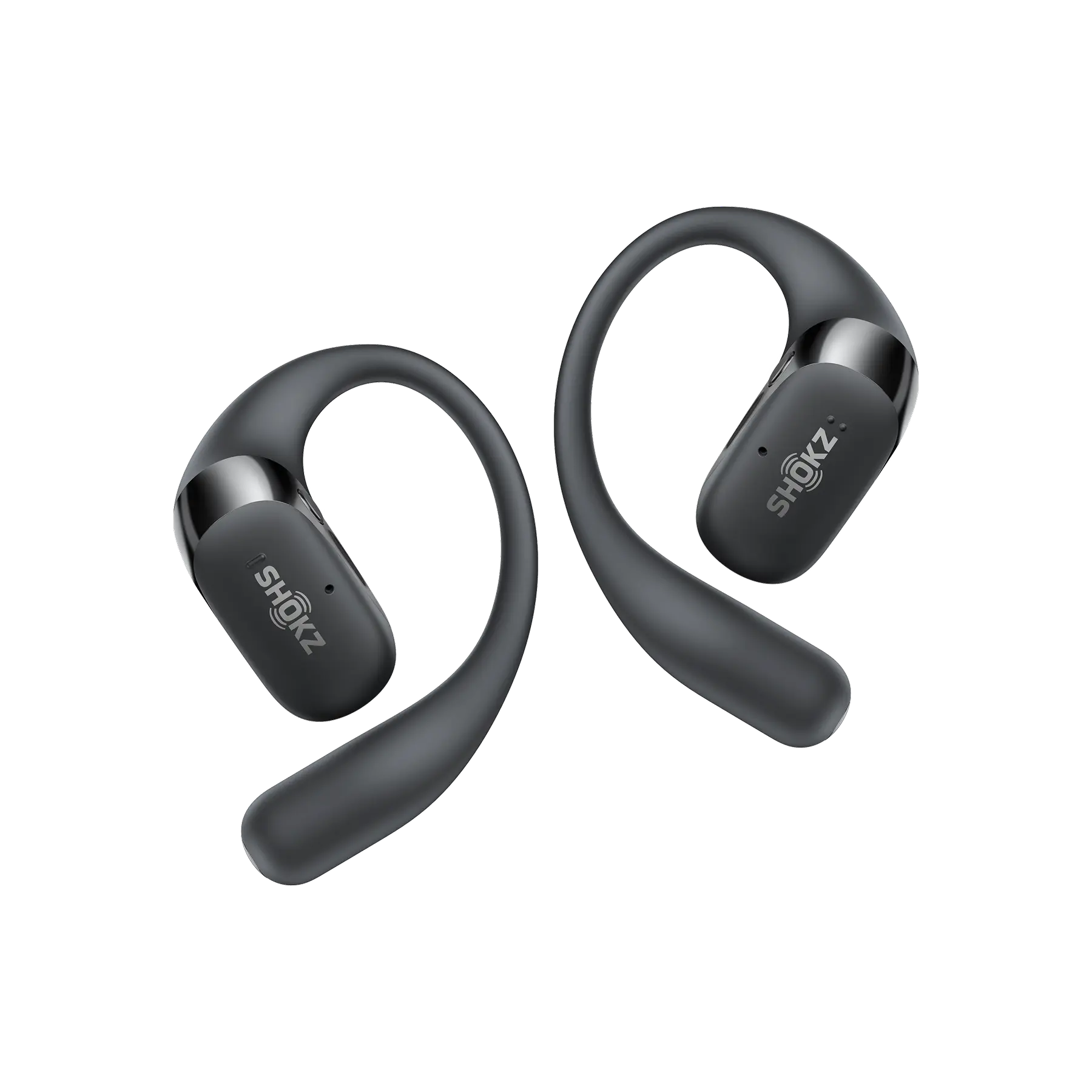
Shokz OpenFit 2+ has 4 different EQ modes built in (Treble Boost Mode, Bass Boost Mode, Vocal Mode, Standard Mode) and 2 custom EQs for personalizing your audio. This is handy for getting that extra bass punch during a gym session and then switching to clear vocals for a podcast later. You can just use your phone to swap sound profiles based on where you are or what you’re doing, which really helps get the best out of the hardware.
Pro Tips for Setting Your EQ with Bluetooth Headphones
If you've ever messed around with an EQ, you know that moving sliders at random is just a recipe for a muddy mess. These rules of thumb will help you keep things sounding natural.
Avoiding The Distorted Bass Trap
It’s tempting to crank the bass for that extra kick, but you’ll eventually hit a point where the drivers just give up and distort. Most small headphone drivers can't handle a massive boost. They’ll just start rattling. Start with a tiny 2 or 3 dB bump. If it sounds muddy or just "off," you’ve gone too far.
Making Small Cuts Instead of Big Boosts
Here’s a pro tip: cutting harsh frequencies usually works better than boosting the ones you like. If the vocals feel thin, try dropping the bass a bit instead of slamming the mids up. When you change the EQ setting, cutting keeps the sound clean while aggressive boosts just overload everything and make the music sound strained.
Using Your Ears Instead of Your Eyes
Don't get hung up on those "Rock" or "Jazz" presets. They might look cool, but they rarely fit your specific gear or your favourite tracks. Close your eyes and adjust by feel while the music is playing. If it sounds better, keep it. Trust your own ears over some generic template.
FAQ
1. Should you put EQ on everything?
Honestly? No. If the track is well-mastered and your headphones are decent, it might sound best left alone. Only reach for the EQ if you notice a real problem, like piercing highs or a noisy commute drowning out the low end. Otherwise, leave it flat.
2. Does EQ make the sound louder?
Not really. It just shifts the balance. If you boost too many bands, the signal just hits a wall and distorts (that’s clipping, not volume). For real loudness, use your volume knob.
3. How do I set my equalizer to clear sound?
Start flat and cut the stuff that sounds "crowded." A small drop around 200–400 Hz usually clears up the mud, and taming peaks near 2–3 kHz smooths out harsh mids. Keep tweaking until the instruments and voices sit just right.
4. How to EQ to get rid of background noise?
A high-pass filter is your best bet for cutting low-end rumble. If the noise is mid-range, you could try a narrow cut. For things like background chatter, you really need proper noise-cancelling tech, not an EQ.
Conclusion
Now you know exactly what an equalizer is. Getting a handle on how an EQ works really does open up a whole new side to your music. It isn’t magic. It’s just about making smart tweaks to fit your own ears and wherever you happen to be. Whether you’re playing with a basic 5-band setup on your phone or diving into the precision of a parametric EQ, the end goal is always the same: making the sound feel right to you.
The trick is to start small. Make subtle changes, actually listen to the results, and fight the urge to max out every slider. With Shokz open earbuds, like the OpenFit 2+, you can adjust the EQ to make your music finally sound the way it was meant to, balanced, clear, and solid from the first note to the last.
Author Information

guides on Shokz
Related Posts