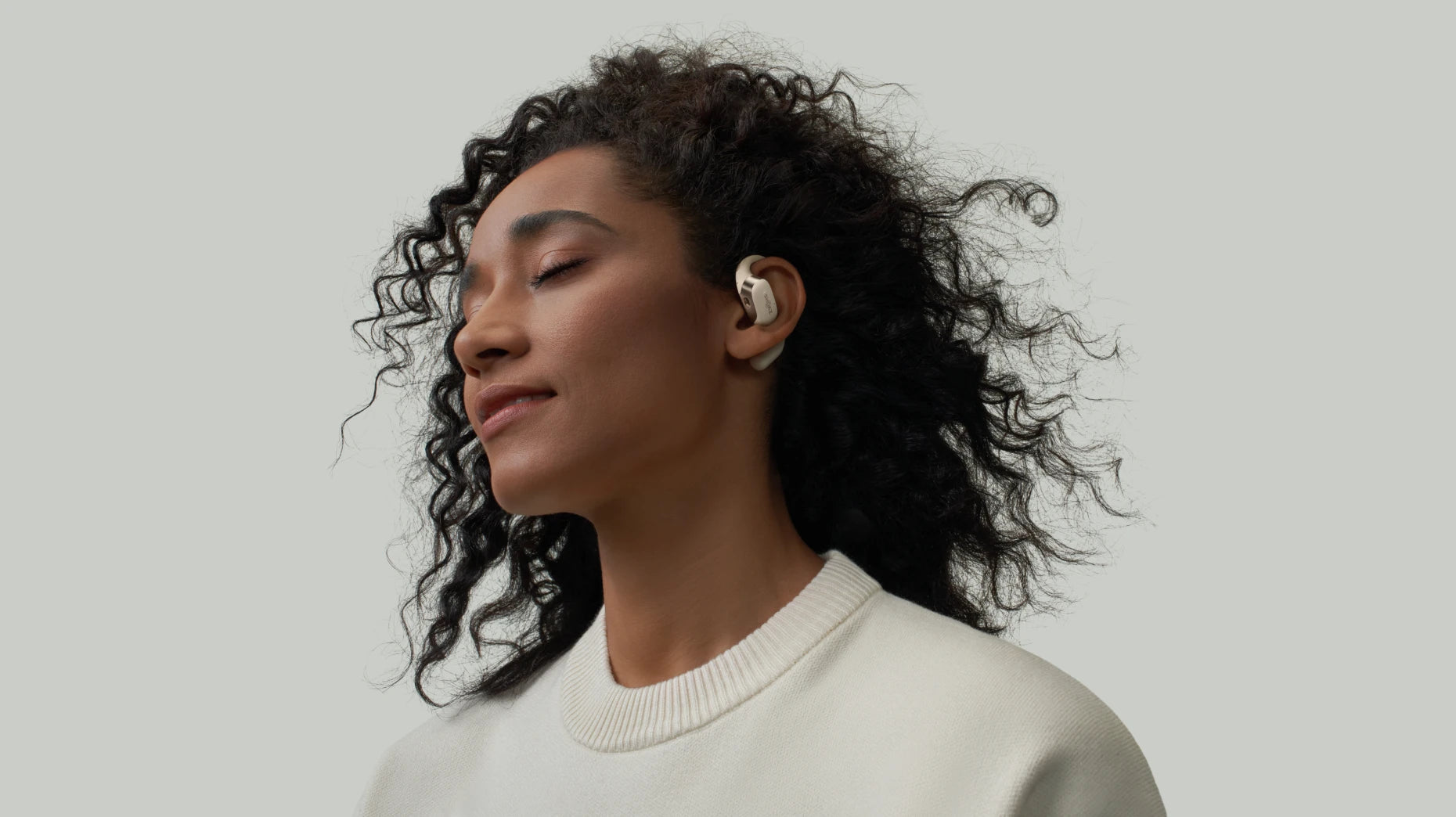
What Does Airplane Mode Actually Do on Your Phone, Tablet, or Laptop?
If you’ve flown across Canada, from Vancouver to Halifax, you’ve probably tapped that little airplane icon in your phone’s control centre more than once. But beyond the obvious "it's for flying" explanation, what does airplane mode do for your device and your daily life?
In this guide, we’ll skip the tech-speak and show you why this simple toggle is essential in the air and your ultimate "productivity hack" on the ground, helping you reclaim your battery, your focus, and your wallet from unexpected fees.
What Is Airplane Mode?
At its core, what is airplane mode? It is a built-in feature on almost every smartphone, tablet, and laptop. When you switch it on, it basically tells your device to take a break from radio-frequency (RF) signal transmissions. In practical terms, that means it disables:
-
Cellular connections: You cannot make calls, send SMS, or use mobile data.
-
Wi-Fi: The device stops searching for networks.
-
Bluetooth: Connection to wireless accessories is initially cut off.
This might sound like everything wireless just shuts down completely, but that’s not entirely the case. The neat thing is that most modern phones let you turn Wi‑Fi or Bluetooth back on manually after airplane mode is active.
How Does Airplane Mode Work?
Technically speaking, what does airplane mode do to the hardware? It acts like a master switch for your phone’s internal transmitters. It basically tells the cellular, Wi‑Fi, and Bluetooth radios to take a break.
It was introduced mainly to keep your phone from adding unwanted noise to an aircraft’s sensitive systems. At cruising altitude, your phone might crank up its power, trying hard to find distant cell towers below.
Transport Canada states that those signals may affect navigation and communication systems. This is definitely something airlines prefer to avoid. Flipping on airplane mode cuts that chatter instantly, keeping things quiet in the sky.
Reasons for Switching Your Phone to Airplane Mode
Sure, the name makes it sound like it’s only for flights. But in reality, there are several practical reasons to toggle this switch during your daily routine or travels.
1. Stopping Phones from Interfering with A Plane’s Systems
We’ve touched on this before: turning on Airplane Mode helps keep your phone from interfering with the aircraft’s navigation systems. That means clearer communication between the cockpit and ground control throughout your journey.
2. Saving Battery Life
Ever notice how your battery plummets when you’re in places with weak reception? Your phone works overtime trying to find a signal. Flip on Airplane Mode, and that endless searching stops, super helpful when you’re hiking in the Canadian Rockies or driving through rural stretches where cellular coverage comes and goes.
3. Charging Your Devices Much Faster
With background data and cellular signals turned off, your device consumes far less power during the charging cycle. That means you can go from near empty to full much quicker under normal operating conditions. It is especially noticeable when you’re using a standard or slower charger.
4. Reducing Distractions and Improving Focus
Flipping on Airplane Mode is like putting up a “do not disturb” sign for the digital world, calls and app alerts stop coming in, so you can actually focus. For Canadians juggling remote work or students buried in finals prep, it’s a simple way to carve out some real “deep work” time without constant pings pulling you away.
5. Avoiding Unexpected Roaming Charges
When traveling outside Canada, your phone might automatically connect to international towers, leading to massive roaming fees. Turning Airplane Mode on keeps you safely disconnected from cellular networks, so you won’t get that awful “bill shock” later on.
6. Sleeping Better
Sometimes the hardest part of bedtime is ignoring the pull of your screen. Airplane mode quiets all that digital chatter, so you’re not tempted to scroll late into the night. It also means no buzzes or blinking lights to jolt you awake. Your phone can stay nearby as a trusty alarm clock, and you can even try using audio to get to sleep faster, while the rest of the world stays out until morning.
What Happens If You Don’t Turn on Airplane Mode in Flight?
If you forget to toggle the switch, the world likely won't end, but it's not ideal for you or the crew.
When Airplane Mode stays off, your phone will keep hunting for a signal as the plane climbs higher and loses contact with ground towers. All that searching can chew through your battery much faster than usual, and it might even make the phone warm in your hand.
There’s also an obvious issue: active cellular signals may add a bit of unwanted effect inside the cabin. While not proven to affect safety, it’s best to minimize any potential interference during critical phases of flight.
What Can You Do with Airplane Mode On?
Most people think it just shuts everything down, but not quite. Turning on Airplane Mode doesn’t mean your phone turns into a brick. So, what does airplane mode allow you to do? Quite a lot, actually.
1. Using Offline Apps
Any app that doesn’t need an internet connection will still work just fine. Snap photos with your camera, crunch numbers on the calculator, or dive into those offline games you’ve been meaning to finish, perfect for passing the time mid-flight.
2. Watching Downloaded Videos
If you’ve already downloaded your favorite Netflix or Disney+ movies, now’s the perfect chance to binge them. Grab your wireless headphone and enjoy a small luxury on long flights when the in-flight entertainment system might not have quite what you’re in the mood for.
3. Listening to Stored Music, Audiobooks, or Podcasts
If your tunes, audiobooks, or podcasts are already stored on your phone, you’ve got a whole personal jukebox ready to go, no spotty signal or Wi-Fi needed. It’s like carrying your favorite corner of a record store with you, perfect for setting the mood on a long trip.
4. Turning Wi-Fi & Bluetooth Back On (When Allowed)
Once the plane hits cruising altitude, some airlines may allow you to switch Wi-Fi and Bluetooth back on. That means you can hop onto the in‑flight entertainment system or send a quick message to loved ones, all while keeping the cellular connection safely off.
Enhancing Your Travel or Daily Life with Airplane Mode
Airplane Mode doesn’t have to mean total disconnection. Even when it’s on, and with the airline permits, you can hop onto the onboard Wi‑Fi to enjoy streaming movies or tunes. At the same time, you can connect Bluetooth devices, allowing you to listen without disturbing others.
On long flights, however, some headphones may cause discomfort or pressure on your ears after prolonged use. That’s where lightweight, open-ear headphones come in handy. OpenFit 2+ has an open‑ear design that keeps your ears cool and free from pressure during those long cabin hours. With an 11‑hour battery life, they’ll easily last the whole trip. You’ll get a crisp, well‑balanced sound whether you’re catching a film or just unwinding to music.
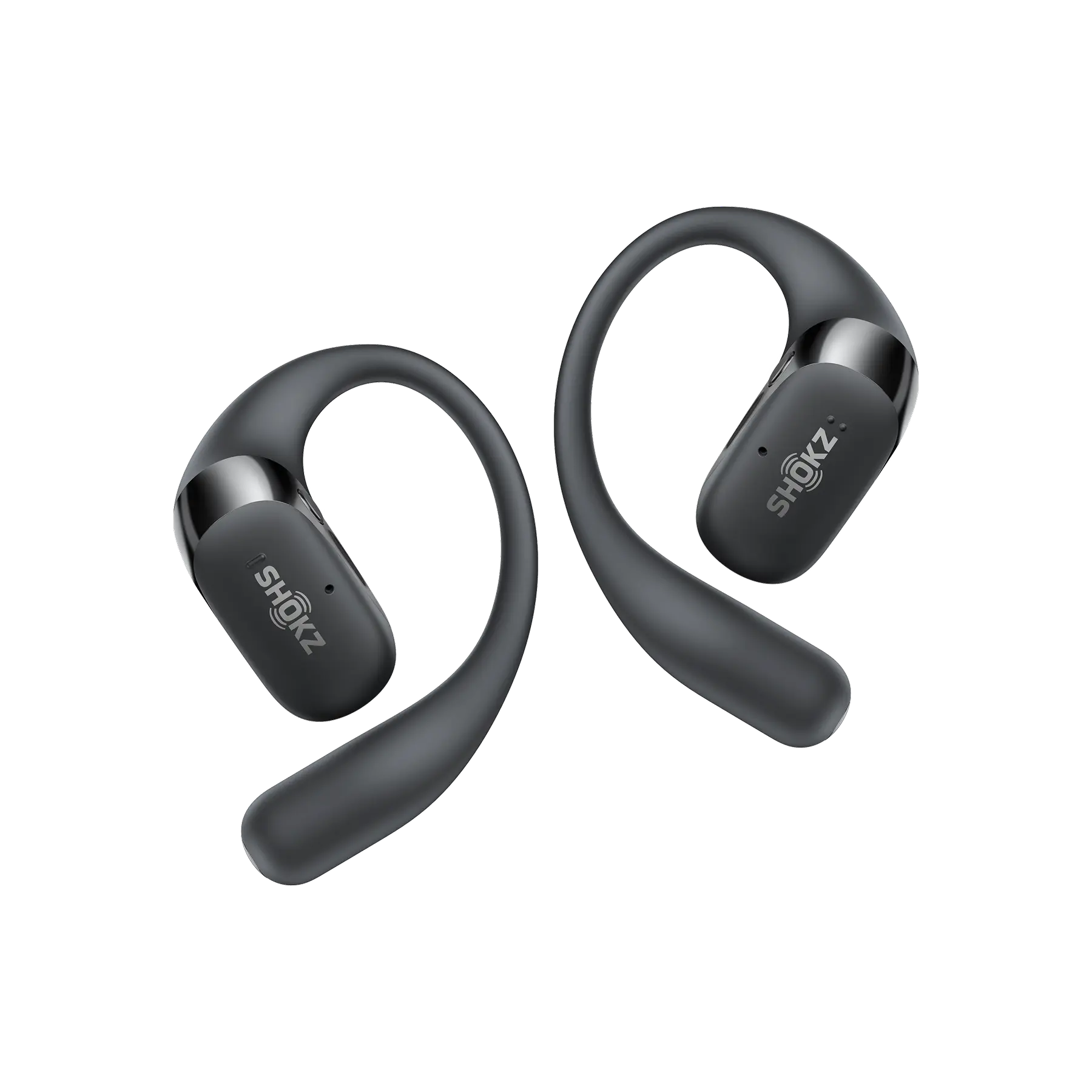
But even when you’re not on a plane, Airplane Mode can be a little oasis of calm, too. When you really need to knuckle down on work or study, flipping it on helps block distractions. Keep Bluetooth on, plug in your Shokz Open earbuds, and treat yourself to a quiet stretch of time to focus, create, or simply recharge.
FAQ
1. What happens when your phone is on Airplane Mode and someone calls you?
To the person calling, it’ll look like your phone is off. The call usually rolls straight to voicemail, and you won’t get any notification about it until you disable Airplane Mode.
2. Can you send texts while in Airplane Mode?
Regular SMS texts won’t go through, since they need a cellular signal. But if you turn Wi-Fi back on, you can still message friends and family through internet-based apps like iMessage or WhatsApp, handy for staying in touch with friends and family while in the air.
3. What is the difference between Do Not Disturb and Airplane Mode?
Airplane mode physically disables the radio transmitters, meaning you cannot receive any data or calls at all until it is turned off.
4. Any downsides to using Airplane Mode?
The main one is that you won’t be reachable for emergency calls. You also miss out on real‑time GPS updates and Find My Phone tracking, which can be a hassle if your device goes missing while this mode is on.
5. Does my alarm still work in Airplane Mode?
Yes! Your phone’s clock and alarms run on its internal hardware, so they don’t need a network connection. You can count on it to wake you up.
Conclusion
So, what does airplane mode do exactly? It’s more than just a regulatory requirement for flying in Canada, where long road trips and cross‑country flights are common. It can be a surprisingly handy little trick. This versatile tool saves battery when you’re low, helps you dodge surprise roaming charges if you’re hopping between provinces, and gives you a quick mental breather from the constant ping of notifications. You can even listen to a playlist for instant relaxation, making it useful whether you’re 30,000 feet above the Rockies or just trying to wind down for a good night’s sleep in your Toronto apartment.
Author Information

guides on Shokz
Related Posts