How to Master Clip-On Earbuds in Public: Tips for Every Environment
If you wear clip-on earbuds out and about, you’ve probably struggled to hear your audio at times. A transit bus pulls up, a nearby conversation gets a bit loud, and your podcast practically vanishes. Without a physical seal, background chatter easily drowns out the audio in your headphones. Your first instinct might be to just max out the volume to compensate. But making low isolation work in busy areas usually just comes down to a few simple daily habits.
OpenDots Series Coming Soon
The new Shokz OpenDots series is coming soon! Discover the new look of our next-generation open-ear audio and join our campaign for a chance to win a pair of clip-on earbuds.
What to Expect From Open-Ear Headphones in Public
Trading Total Isolation for Awareness
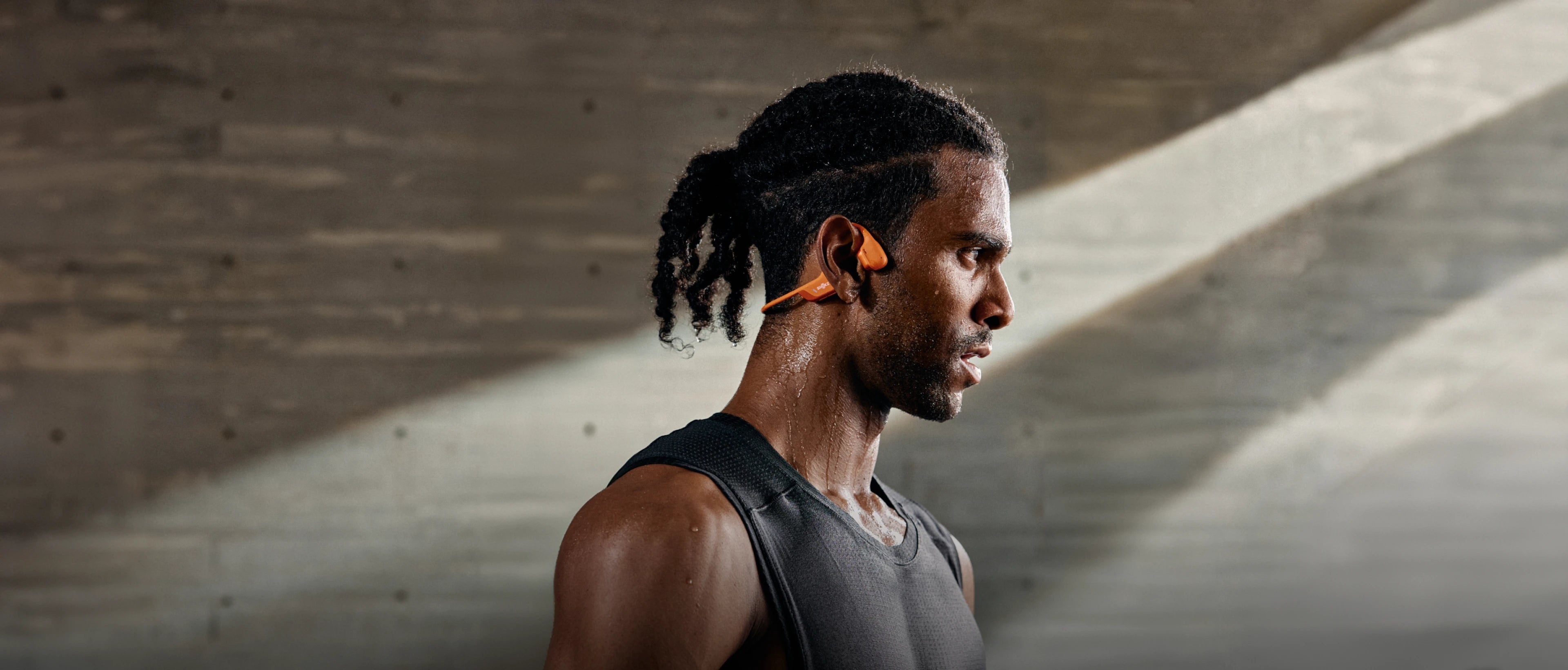
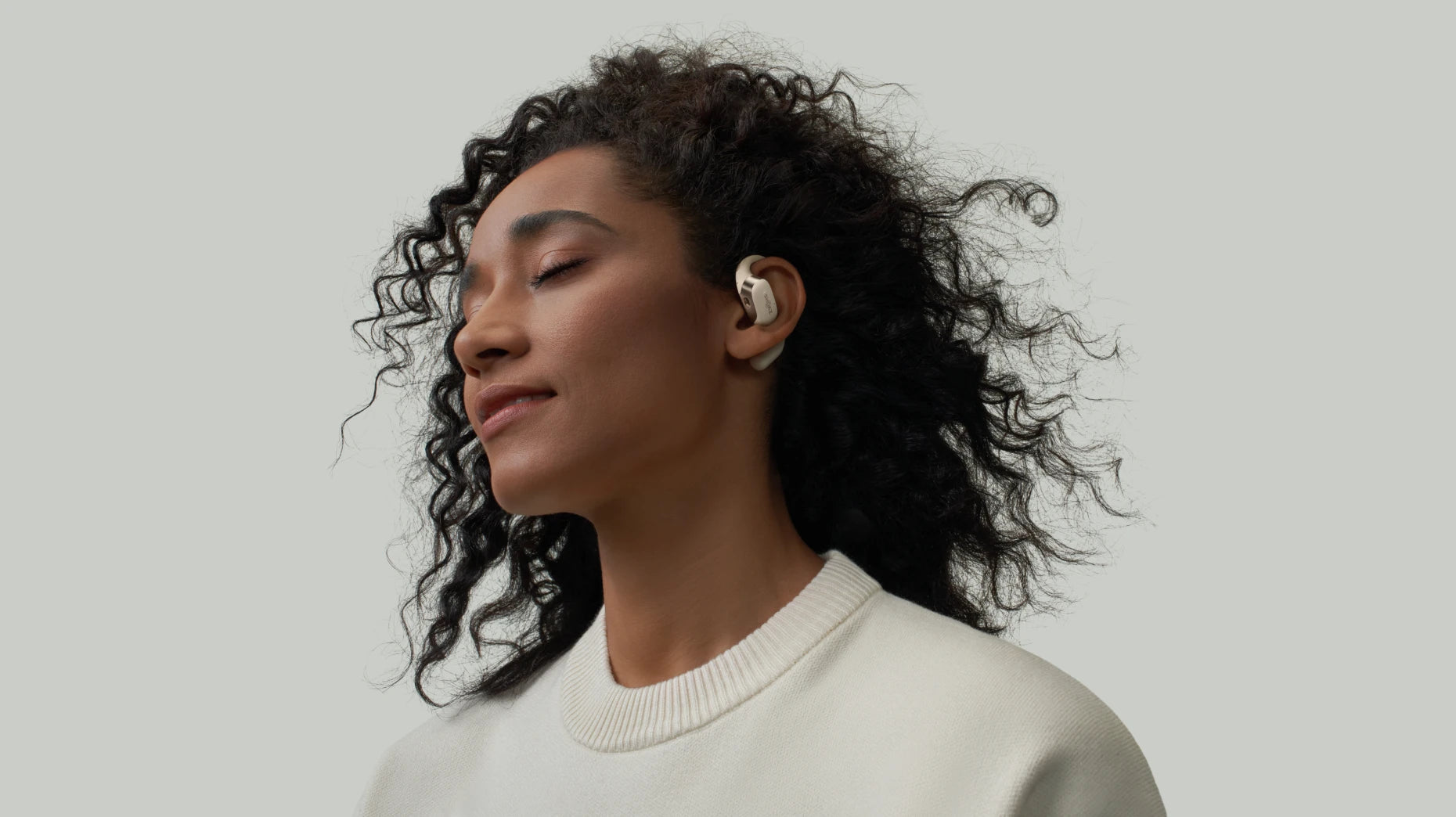
Because clip-on earbuds sit just outside your ear, they completely change how you experience audio. You trade total noise cancellation and heavy bass for sound that naturally blends into your surroundings.
It’s a lighter, more breathable way to listen. If you can enjoy a playlist while still noticing the background hum of your local café, that unsealed design is doing exactly what it was meant to do.
The Practical Side of Hearing the Outside World
In busy environments, low isolation is actually a massive advantage. Keeping your ears open helps you catch transit announcements or safely navigate a busy crosswalk without needing to pause your music or take an earbud out.
Everyday users often highlight this exact benefit. A common piece of feedback is, “I like that I can listen while still hearing what’s going on around me.” Another is, “They’re much better for walking and commuting because I don’t feel totally disconnected.”
How to Adjust Your Clip-On Earbuds in Public
Switch to Vocal EQ for Speech Clarity
In noisy areas, tweaking your clip-on earbuds for clarity works much better than simply cranking up the volume. If you’re having trouble making out a podcast or a phone call, jump into the companion app to switch your EQ modes and adjust the sound balance:
-
Select a "Vocal" or "Podcast" preset to immediately bring speech to the forefront.
-
Manually boost the 1 kHz to 4 kHz range using a custom equalizer to make consonants and speech details sharper.
Adjusting your earbuds this way helps dialogue cut through unpredictable street noise, giving you clear audio without resorting to a potentially harmful volume spike.
Avoid the Temptation to Max Out the Volume
When traffic noise spikes, it’s tempting to keep turning up the volume. With clip-ons, however, maxing them out defeats their entire purpose. Forcing the volume too high can easily mask a car horn or an ambulance siren, creating a real safety risk. It also puts your hearing in jeopardy during longer commutes. Try to find a level where words are just legible, leaving enough headroom to stay aware of your surroundings.
Manage Sound Leakage in Quiet Spaces
Sound leakage happens when your earbuds' output climbs noticeably above the room's ambient noise level. On a busy commuter train or subway, the background rumble masks your audio, so leakage isn't an issue. But in a quiet office or café, that same volume level will bleed into your neighbour's space, which can be a bit awkward. The fix is straightforward: proactively drop your volume by a couple of notches the moment you step indoors to keep your audio private.
To handle these quieter settings effortlessly, picking a pair like the Shokz OpenDots ONE makes a massive difference. Featuring DirectPitch™ technology to minimize leakage and weighing just 6.5g, they’re comfortable enough for all-day wear while keeping your audio completely private.

Locking In a Secure Fit for Your Clip-On Earbuds on the Go
Adjust Placement Before You Leave the House
Clip-on earbuds rely entirely on stable positioning to deliver clear sound. If they fit too loosely, your audio will sound thin. Test your fit by nodding or looking down at your phone before heading out the door. Making minor adjustments to the clip angle ensures consistent clarity without causing any soreness.
Layer Wisely with Glasses and Hoods
Glasses, face masks, and hoodies often fight for real estate around your ears, which can shift your clips out of position. To avoid this, always put your earbuds on first, then rest the arms of your glasses over them. Ensure the seams of your hood or the loops of your mask aren't pulling the devices backward or lifting them away.
Prevent Slippage on Bumpy Commutes
Active commutes involve constant micro-movements—like navigating stairs, stepping over transit platform gaps, or doing quick shoulder checks—that can loosen your earbud's grip. Finding a reliable "set position" each morning keeps your audio balanced and cuts down on the need to adjust them while you're on the move. If they still start slipping on hot summer days due to sweat, a quick wipe down of the skin usually restores their grip.
Quick Settings for Using Clip-On Earbuds Anywhere
| Public Scenario | The Challenge | How to Tweak Your Setup |
| Noisy Open Offices | Distracting background chatter and keyboard clicks that constantly break your focus. | Try wearing just one earbud for low-stakes background music to reduce listening fatigue. For deeper focus, stick to instrumentals or low-volume podcasts with a vocal EQ so you can still hear when a coworker calls your name. |
| Transit & Commuting | Constantly shifting noise levels across streets, transit platforms, and loud train cars that make sticking to one volume frustrating. | Build a habit around a few "safe" volume presets for everyday transitions (lower on the street, mid-range on platforms, slightly higher in the train car) instead of constantly bumping up the volume when things get loud. |
| Cafés & Crowded Spots | Managing potential sound leakage while ensuring you don't come across as withdrawn, rude, or unapproachable. | Practice "etiquette-aware listening." Stick to a leakage-safe volume limit, hit pause immediately if someone speaks to you (rather than making them repeat themselves), and use open body language to show you're still approachable. |
Microphone and Call Performance Optimization in Public
While adjusting your volume handles what you hear, taking a phone call outside introduces a whole different set of real-world headaches. Getting the most out of your clip-on earbuds means ensuring the person on the other end can actually hear you over the street noise.
Handling Wind During Outdoor Calls
If a caller tells you that you sound like you're caught in a wind tunnel, it's usually just a breeze rushing directly across the earbud. Before you raise your voice, pause for a second and try turning your head away from the wind. This quick adjustment helps shield the microphone from direct airflow and can instantly clear up your audio.
Fixing Muffled or Distant Call Quality
When people complain that you sound distant or muffled, the culprit is often just physical interference. A thick winter toque, a high coat collar, or even a mask strap can easily cover the earbud or nudge it out of place. Doing a quick check to tuck away any overlapping fabric usually restores normal voice clarity.
Connectivity Mastery: Multipoint Stability in High-Device Environments
Managing your connection dictates how smoothly your audio plays, especially when you’re switching between different devices throughout the day. Getting the best performance out of your clip-ons means keeping your Bluetooth steady even when you're surrounded by competing tech.
Stop Your Earbuds From Switching to the Wrong Device
In crowded hubs like local cafés or open-plan offices, heavy Wi-Fi and 2.4GHz traffic can interfere with your Bluetooth connection, causing your earbuds to hijack the wrong device. For smoother transitions:
-
Disconnect from electronics you aren't actively using.
-
Prioritize your smartphone as the primary device in the companion app.
This keeps your audio locked in and stable while you're on the move.
Set Up App Profiles for Quick Environment Changes
Public environments change faster than you can navigate through phone menus. Taking advantage of companion app features—like the Shokz app's shortcut mapping or custom button assignments—removes a ton of daily friction:
-
Map a physical button to instantly pause your music when someone speaks to you.
-
Save distinct EQ profiles for noisy transit commutes versus quiet desk work.
Having these quick toggles good to go makes clip-on earbuds significantly easier to live with.
Conclusion
At the end of the day, getting the most out of your clip-on earbuds in public comes down to building a few simple daily habits. It’s about remembering to drop the volume a couple of notches the second you walk into a quiet café, switching to a vocal EQ instead of just cranking the volume on a busy street, and double-checking that your winter toque isn't muffling the microphone before a phone call.
Once you stop trying to force them to block out the world like traditional, sealed-in earbuds, they become incredibly easy to use. You get to enjoy your podcasts and playlists throughout the day without feeling totally cut off from the environment around you.
Author Information

guides on Shokz
Related Posts