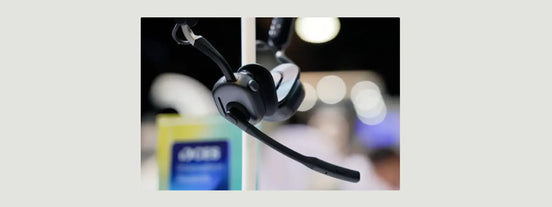
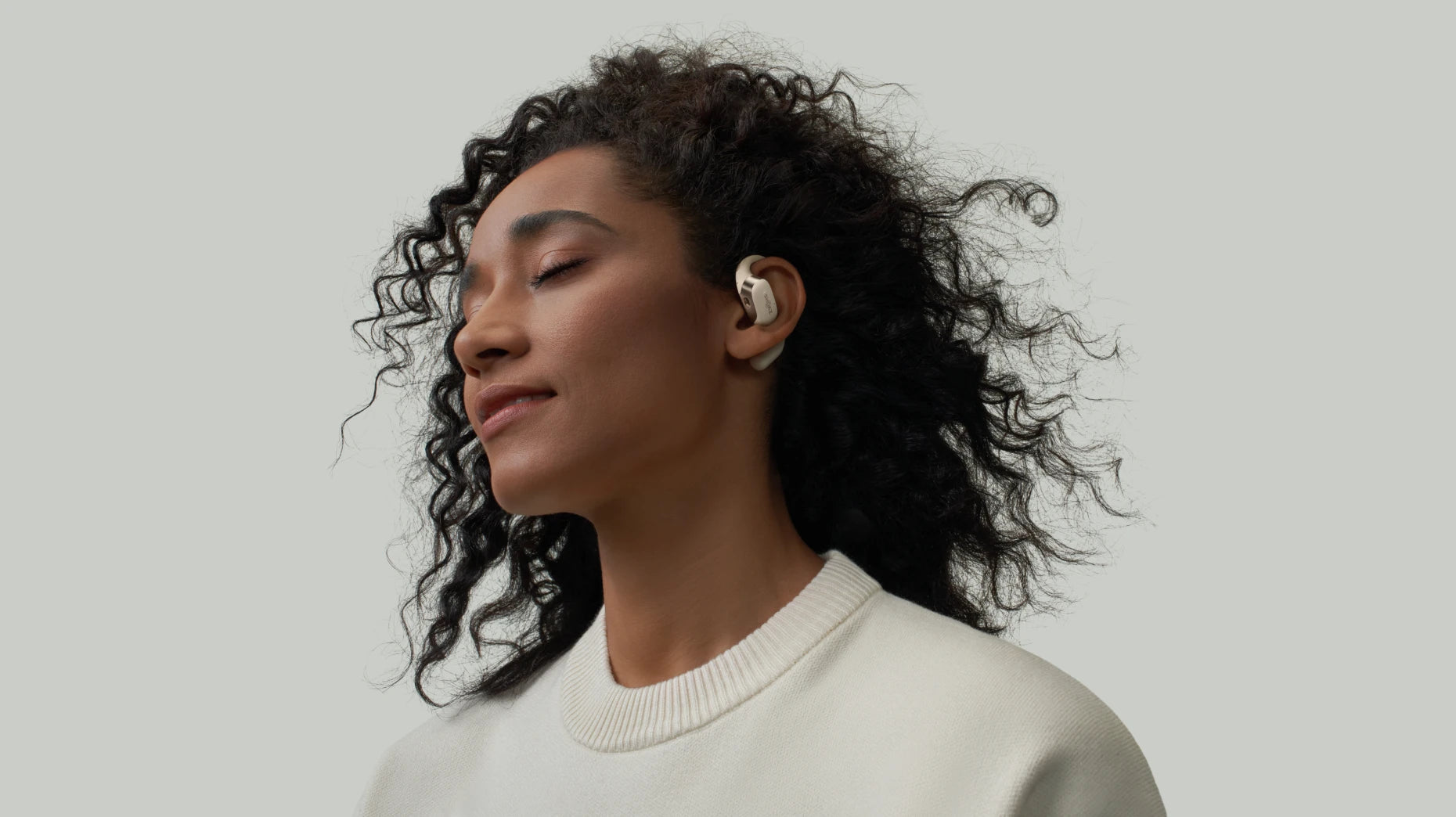
Can You Use Bluetooth Headphones on a Plane?
Wondering, can you use Bluetooth headphones on a plane? Most airlines today, including Air Canada and WestJet, now allow passengers to use Bluetooth headsets during flights. In the past, passengers had to turn off all electronic devices. That rule has now changed.
Travelers can wear a wireless headset for most of their journey. You just need to follow the crew's instructions. You must switch your device to airplane mode first, and then turn the Bluetooth back on.
The Rules for Using Bluetooth Headphones on Planes
It's true that airlines let you use those Bluetooth headphones now. They do, however, ask that we follow a few super basic safety steps first. If you just stick to those guidelines, you get to enjoy your wireless sound, and it keeps the flight safe for everybody on board, too.
Your Device Must Be in Airplane Mode
First, you need to switch your device to Airplane Mode before the plane takes off. turning off cellular and Wi-Fi functions that could interfere with the aircraft’s systems.
You Must Manually Re-Enable Bluetooth
Airplane Mode would shut down all wireless connections at first. Bluetooth is allowed. After turning on Airplane Mode, you can go into your settings and switch Bluetooth on. That will let you connect your wireless headphones normally.
Crew Instructions Are Key
You should always listen to the flight attendants. Every airline has slightly different rules about devices. If a crew member tells you to stop using your gadget, take off your headphones, you need to follow their instructions right away.
When Can You Use Bluetooth Headphones during a Flight?
It is important to know when you can use wireless headphones. Airlines break the flight into different stages. Each stage has its own rules for electronic devices.
Before Takeoff and after Landing
Most airlines allow you to use Bluetooth headphones during boarding and taxiing. Just keep your device in Airplane Mode and switch Bluetooth back on. After landing, you can usually keep using them until the cabin door opens.
During Takeoff and Landing
This part of the flight has the strictest rules. Many Canadian airlines ask passengers to put away electronic devices or turn them off completely. It is safest to wait for the crew to announce that devices are allowed again.
During the Flight
Once the plane reaches cruising altitude and the “Fasten Seat Belt” sign is off, you can use your Bluetooth headphones freely. This is a good time to enjoy music, podcasts, or in-flight movies on your own device.
Exceptions
Most modern aircraft permit Bluetooth. But older planes may have additional limits. In rare cases, the crew may ask everyone to turn off their devices due to operational needs or emergencies.
Tips or Using Bluetooth Headphones on a Plane
A little preparation helps you enjoy your flight without any audio problems. These simple tips make your trip smoother.
Check Airline Rules before Boarding
Policies are usually similar, but it still helps if you check your airline’s guidelines before your trip. This avoids confusion about whether you can use Bluetooth headphones on the plane.
Use Bluetooth during Approved Flight Phases
Use your headphones during boarding, taxiing, and cruising. Be ready to pause or switch them off when the crew asks during take off or landing.
Bring a Wired Backup Option
Older seat-back entertainment systems usually don’t support Bluetooth. Carry a pair of wired headphones, so you can still listen to the in-flight entertainment program.
Keep Devices Fully Charged for the Flight
Long flights need long battery life. Make sure your phone, tablet, and Bluetooth headphones are fully charged before boarding. However, some seats don’t have working charging ports.
Consider Bluetooth Adapters for In-Flight Entertainment
If the screen doesn’t support Bluetooth, a small Bluetooth adapter can help. This device plugs into the headphone jack and sends audio wirelessly to your Bluetooth headphones.
Best Comfortable Bluetooth Headphones Recommendations
For frequent flyers, choosing the right Bluetooth headphones makes long travel easier. Comfort matters. Battery life matters. Clear sound matters. Shokz open-ear headphones are especially useful on planes because they keep your ears relaxed and allow you to hear important announcements. Here are three reliable options.
OpenFit 2+
OpenFit 2+ is a comfortable open ear earbuds for long flights. It brings a really soft ear-hook design. This helps take the pressure off your ears, and even if you move around the cabin, it stays put securely. You can stream movies, music, or audiobooks for hours on end. The best part is, they won't give you that ear fatigue you get with normal in-ear buds.
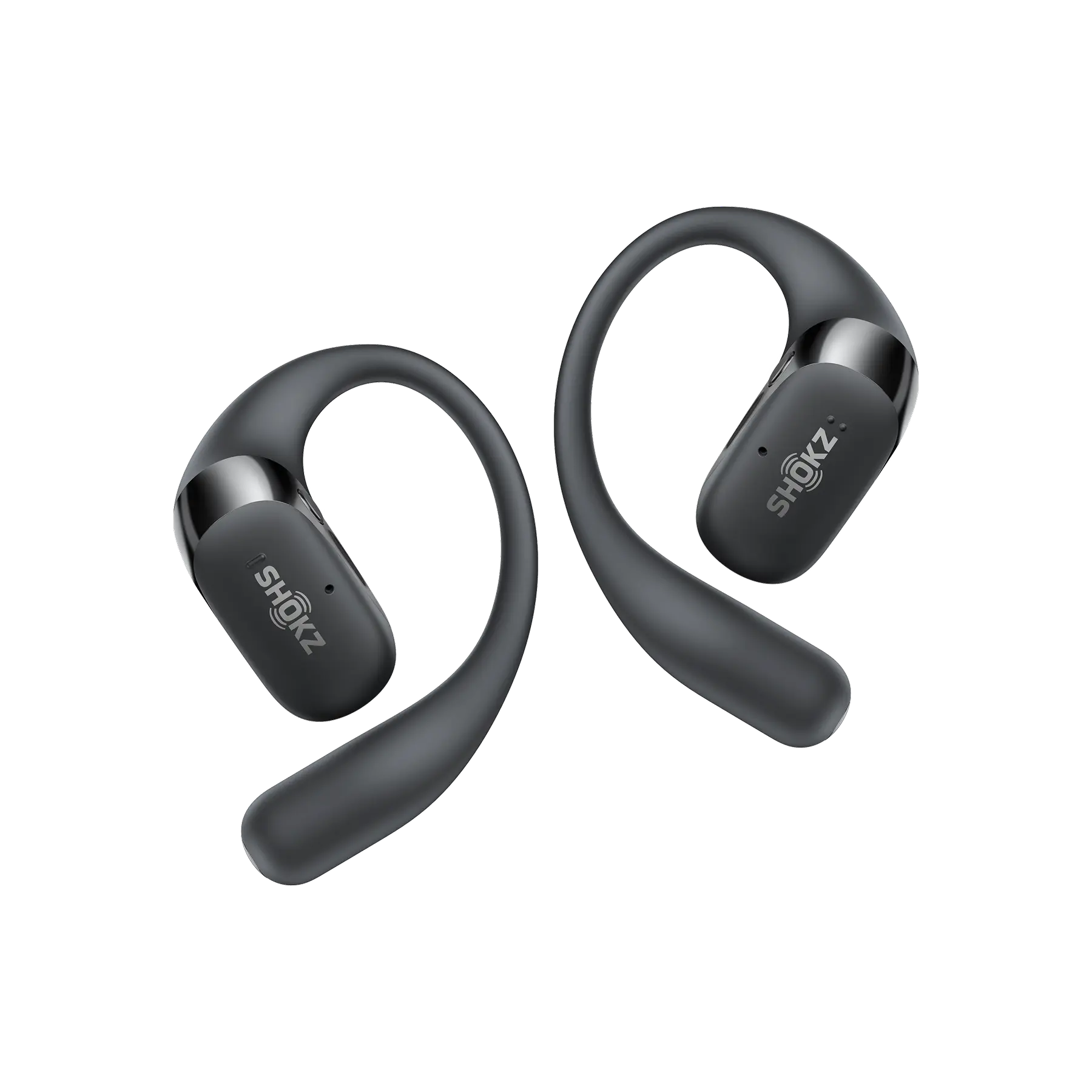
Key Features:
Open-Ear Comfort: Open ear headphones feature this open design that completely avoids pressure inside your ear canal. This is super helpful when the cabin pressure changes on a long flight.
Dolby Audio Inside: The headphones give you really immersive sound, and they keep sound leakage so minimal that almost no one will hear what you're listening to.
Tune It to Your Taste: You can easily adjust the sound using the Shokz App to set up a listening profile that's exactly how you like it.
Epic Battery Life: They last 11 hours on a single charge. If you use the charging case, the total time jumps to 48 hours, that's easily enough power for flights all the way to Asia or Europe!
OpenDots ONE
OpenDots ONE offers a clip-on design that feels light, secure, and stylish, easy to wear with any travel outfit. This open ear earbuds keeps you aware of cabin announcements, but still delivers strong, clear audio.

Key Features:
Mini Size, Strong Sound: Despite its small size, the integrated driver can produce surprisingly powerful audio.
Long Battery Life: It can play for 10 hours on a single charge. With the charging case, you have a total of 40 hours of charging time, which is sufficient for your connecting flights or long trips.
Featherlight at 6.5g: Each earphone weighs only 6.5 grams and is very comfortable even during night flights.
Touch Controls: Simple and precise touch gestures allow you to easily adjust functions such as volume.
OpenFit Air
OpenFit Air delivers an affordable bone conduction option with a light, breathable ear-hook design. These open ear earbuds are comfortable, secure, and suitable for long flights where you want relaxed listening without blocking your ears.
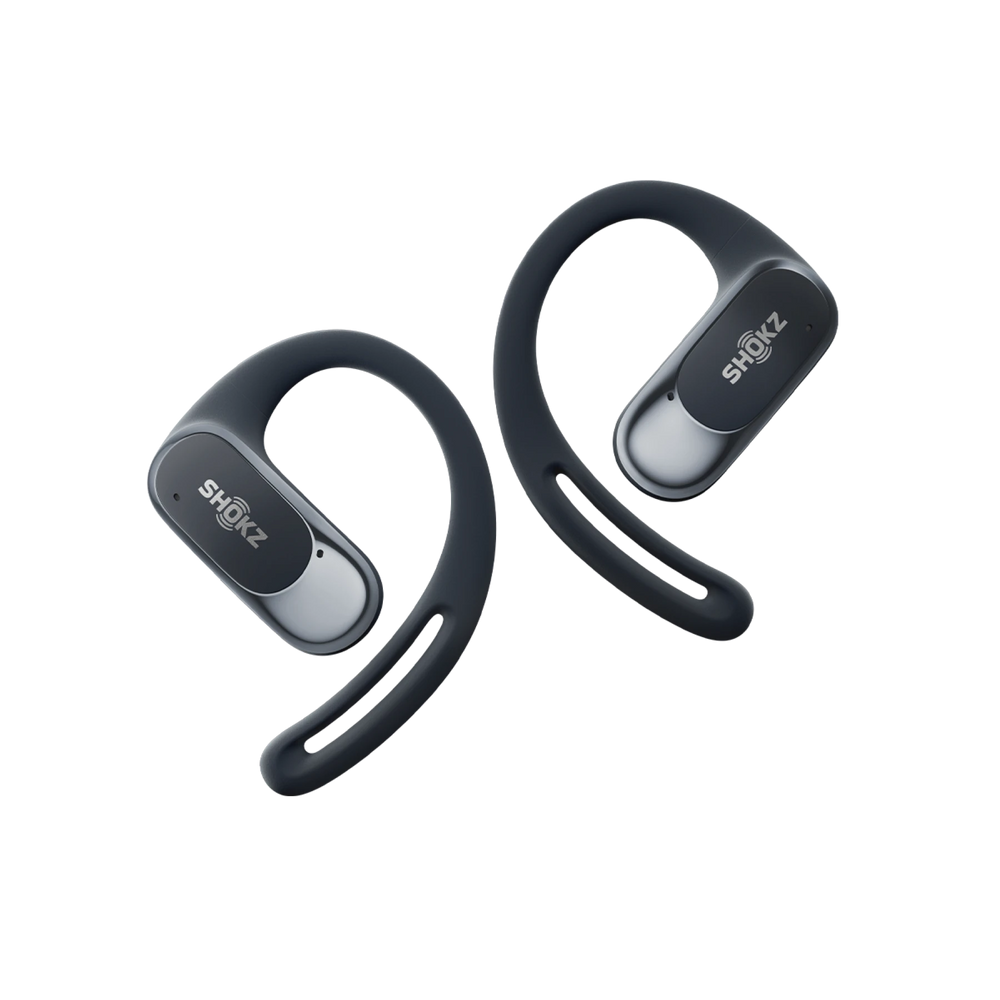
Key Features:
Balanced, Clear Audio: Dual dynamic drivers offer crisp sound with natural bass and stable mids.
Multipoint Pairing: Connects to multiple devices, letting you switch between your phone, laptop, or tablet on the plane.
Reliable Battery Life: A single charge lasts 6 hours, and the charging case supports 28 hours total listening time.
Quick Charge: A 10-minute charge gives 2 hours of playback, perfect for boarding-gate emergencies.
Frequently Asked Questions
Can I use Bluetooth on a flight while it's taking off or landing?
Usually, no. You’ll need to keep your devices in Airplane Mode, and most airlines ask you to turn off all electronics during takeoff and landing. Just wait for the crew’s go-ahead before turning Bluetooth back on.
How do I connect Bluetooth headphones to airplane entertainment screens?
Most screens don't actually support Bluetooth yet. The easy fix is to use a small Bluetooth adapter. You simply plug it into the screen’s 3.5 mm jack. Once you pair your headphones, you're all set to watch movies without any wires.
Are wired headphones better than Bluetooth headphones for flights?
Wired = zero battery worry. Bluetooth = no tangled cord when the snack cart rolls by. Toss a small Bluetooth headphones and your preferred wireless headphones in your carry-on and you’ve got both bases covered.
Final Thoughts
Now you can confidently answer can you use Bluetooth headphones on a plane and the simple steps to do it right. Airplane mode first, Bluetooth second, listen to the crew third. That’s the whole recipe for wireless music, podcasts, and in-flight movies from Toronto take-off to Vancouver landing.
Related Posts