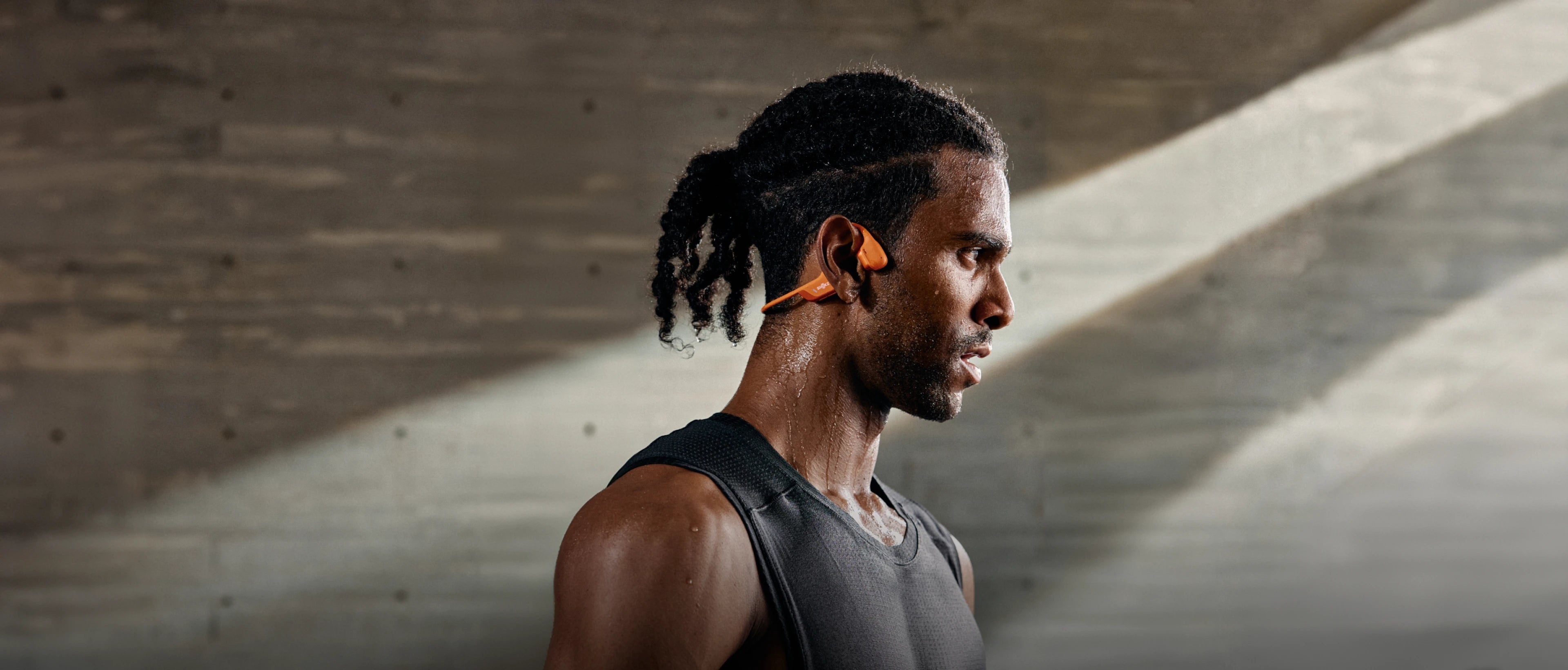
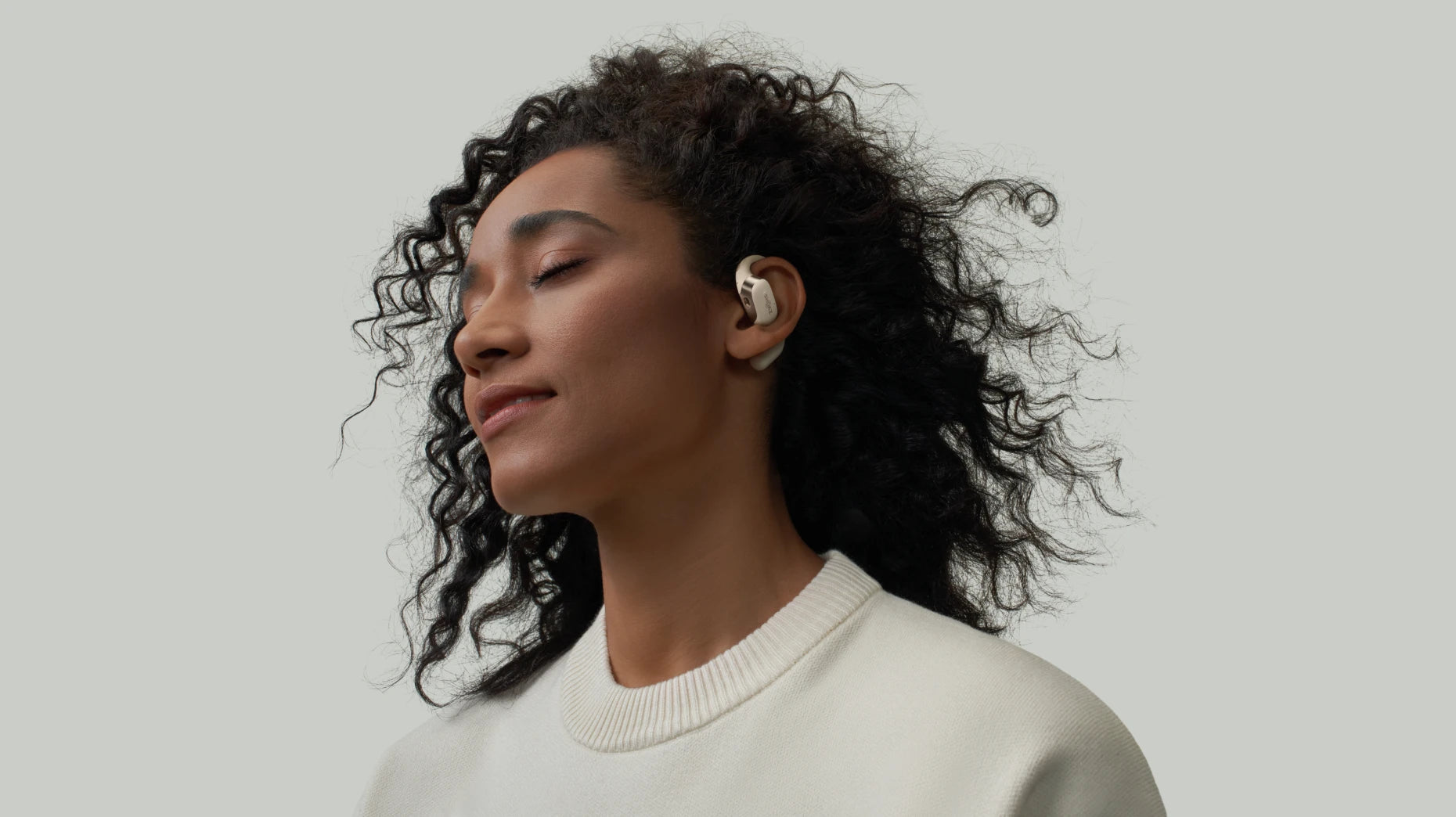
Canadian winters are long, and you end up spending a lot of time in front of the TV screen. If you’re trying to catch a late-night hockey game without waking up the kids, or you just want to actually hear the dialogue in a movie for once, a good pair of wireless headphones for TV is a lifesaver. It’s about getting that full sound without the stress of a noise complaint from the bedroom next door. Since there are so many options out there right now, we’ve rounded up the gear that’s actually worth your money in 2026.
Key Features to Consider When Choosing Good Headphones for TV
Choosing headphones for TV requires looking for several aspects. To find the right pair, prioritize these four essential performance areas.
1. Sound Quality and Clarity
The sound drivers should keep the background music from turning the speech into a muddy mess. Choose headphones with separate high and mid-frequency drivers to improve sound quality and clarity. Headphones that support Dolby audio can also take it to the next level.
2. Comfort and Fit
If you're settling in for a long winter night of Netflix, choose headphones that are lightweight, soft, and fit your ears well without causing pressure. They shouldn't feel like a vice on your head. Lately, those open-ear designs are becoming a go-to because they don't trap heat or put that annoying pressure on your ear canals, and do not weigh you down.
3. Durability and Build Quality
Let’s be honest, things get dropped on the living room floor or sat on by accident. You need a pair that’s got some real durability. Choose a pair from a known brand. Look for their real comment reflecting the quality. Check the charging port too. It should feel solid enough to handle being plugged and unplugged every single day without getting finicky.
4. Battery Life and Charging Time
Nothing ruins a movie night faster than a "battery low" warning right at the end. You really want at least 10 hours of juice to be safe. It’s also worth looking for a quick-charge feature, because we all eventually forget to put them back on the dock after a long night.
Top 5 Wireless Headphones for TV for Different Watching Needs
Based on our testing, here are the best wireless headphones for TV available in 2026. Whether you're looking for that "barely-there" open-ear comfort or a full-on cinematic sound, these picks actually deliver.
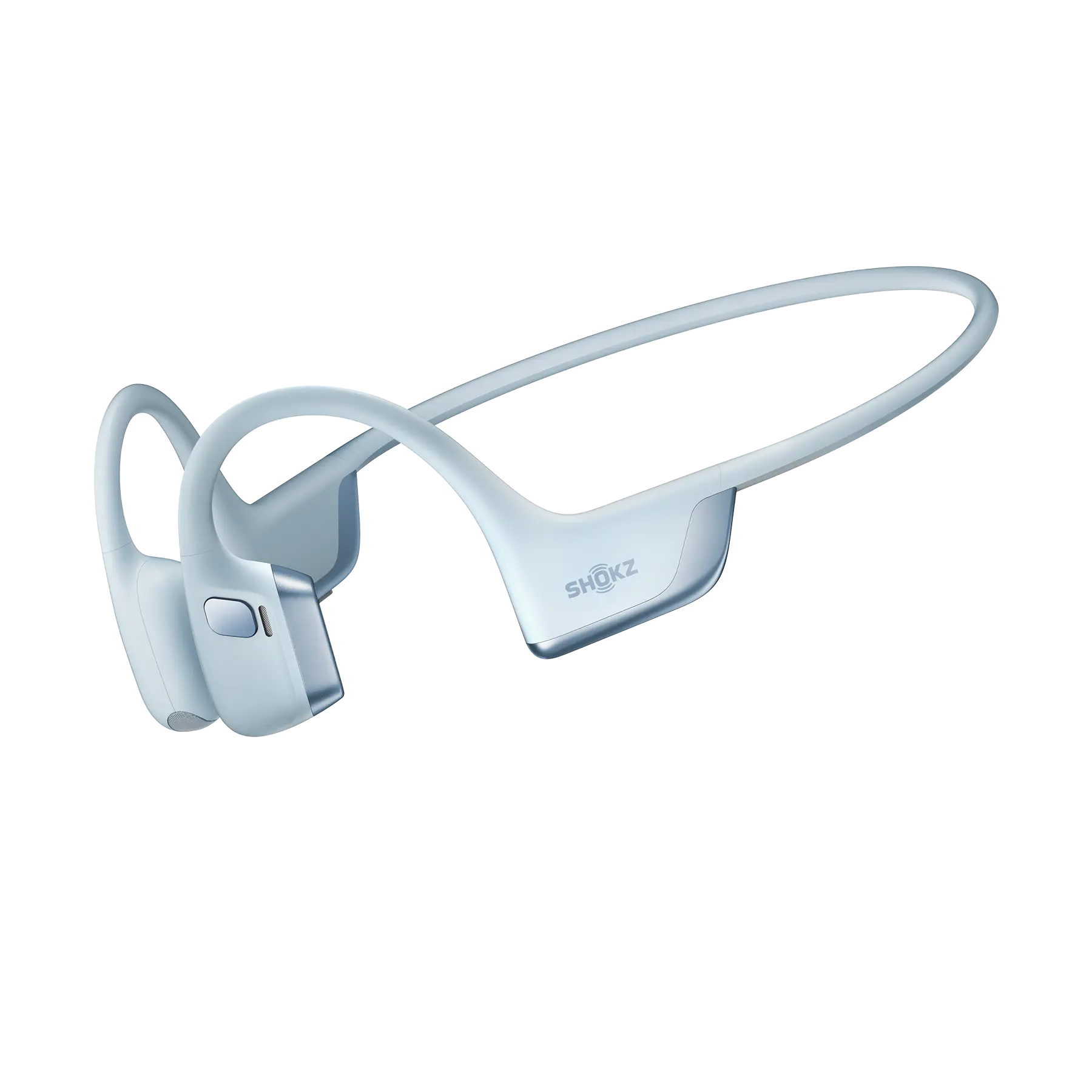
1. OpenRun Pro 2
If you’ve ever felt that annoying "plugged-ear" pressure after a three-hour movie, this is your fix. OpenRun Pro 2 uses bone conduction and open-ear design, meaning your ears stay totally open while the TV audio stays crisp. It’s light enough that you will feel comfortable wearing it halfway through a marathon listening session.
The DualPitch™ keeps the highs and lows so the deep bass doesn't muffle the dialogue. Its 3D soundstage gives you that "theater feel" right in your living room. You get about 12 hours of play, enough for several long movies.
2. OpenFit 2+
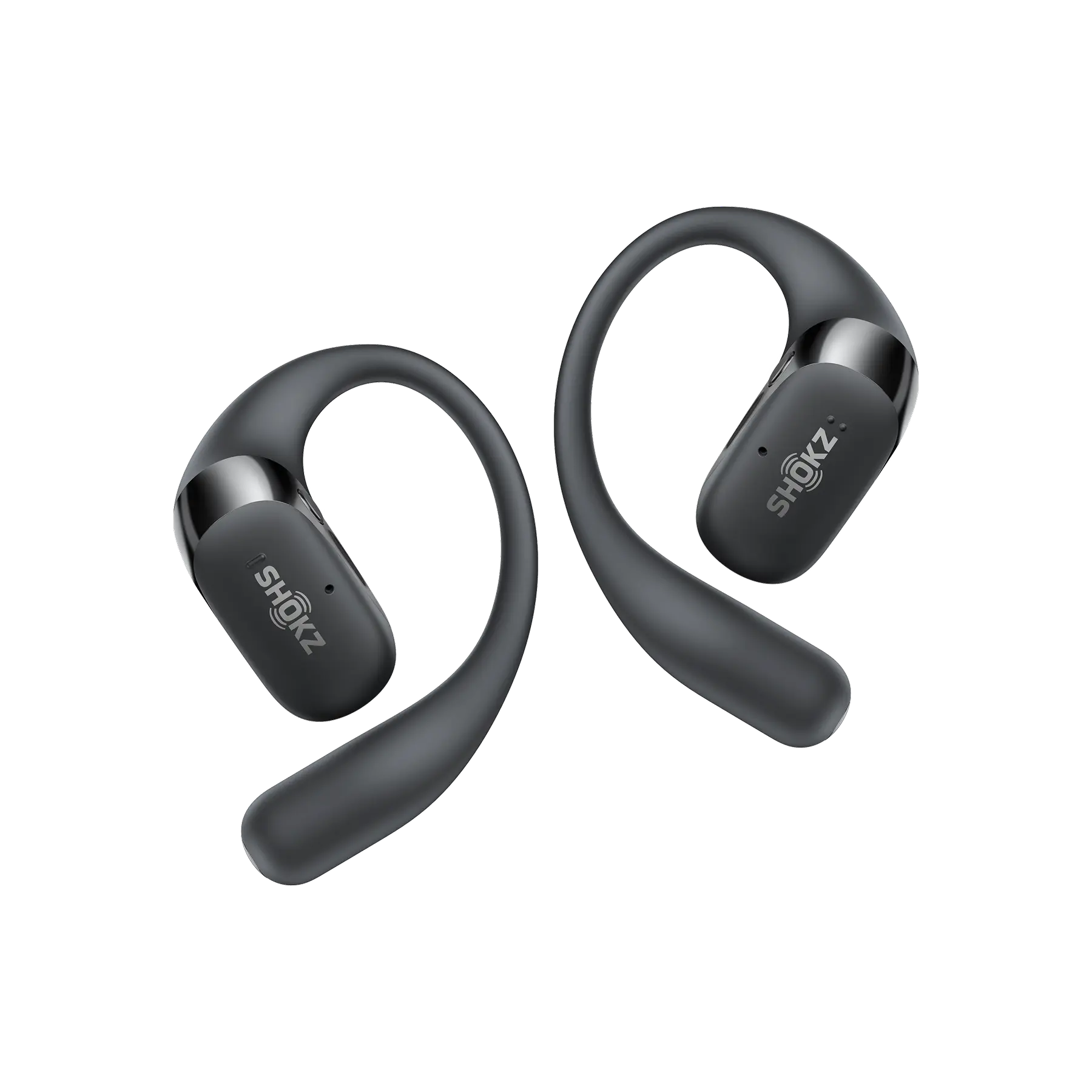
They’re light enough for an all-day gaming or movie session on the TV. OpenFit 2+ hooks gently over your ear instead of stuffing into it, which is a lifesaver for breathability. You get 11 hours per charge, but the case holds enough juice for 48 hours. Immersive Dolby makes the room feel wider; the sound is vivid and clear. They’re the perfect "middle ground" for anyone who wants cordless headphones for TV and comfort wearing.
3. OpenDots ONE
OpenDots ONE is for the "keep it simple" crowd. They’ve got a clip-on design that’s so small you’ll barely feel them. Just pop the case, clip them on, and you’re ready for your show. Surprisingly, the bass is actually quite punchy for something so compact.
With custom EQ, you can tweak the settings to match whatever you’re watching, from sports to documentaries. Vivid Dolby Audio makes every beat feel sharp and realistic. 10 hours of play, making it a reliable companion for your TV viewing sessions.

4. Medley Pebble 2
If your TV supports Auracast technology, the Pebble 2 is a dedicated TV specialist. It’s built for rock-solid stability and means you can connect several of these headphones to one TV. Everyone can freely tune their specific needs and all of you are sharing the same show. Low-latency audio stops that annoying lag where the lips on screen don't match the sound. An 18-Hour Battery is an easy full day of back-to-back movies.
5. Sony RF400
If you want to shut out the world, these closed-cup Sonys are the way to go. They use a noise-reduction system to kill background distractions, letting you dive straight into your game or film. Simply connect the transmitter dock to your TV, and wait for the headphones to sync to the dock. You can go up to 150 feet away, so you won't lose the audio if you head to the kitchen for a snack. Up to 20 hours of play time, provides all-day TV or gaming sessions.
|
Model |
Key Selling Points |
Best For |
|
OpenRun Pro 2 |
Bone-conduction DualPitch™ for clear highs and deep lows 3D immersive soundstage 12-hour battery life |
Viewers who want all-day comfort and clear TV audio without ear fatigue |
|
OpenFit 2+ |
Open-ear fit with Dolby Audio crystal-clear dialogue and cinematic depth 48-hour total playtime |
Those who value airy comfort, stable TV pairing, and rich, spacious sound |
|
OpenDots ONE |
Ultra-light clip-on design customizable EQ modes Dolby Audio |
Viewers seeking portability, personalized sound, and minimalist design |
|
Medley Pebble 2 |
LE Audio low latency Auracast compatibility 18-hour playtime |
Users needing perfectly synced TV audio and accessible shared listening |
|
Sony RF400 |
Closed-back for immersive audio 150ft range 20-hour battery |
Those wanting classic home-theater immersion with noise isolation |
How to Use Wireless Headphones with Your TV Effectively
Getting the most out of your Bluetooth headphones for TV is about more than just hitting "on." It’s really about tweaking the setup so you aren't stuck with fuzzy audio.
How to Connect Wireless Headphones to Your TV
Most smart TVs you’ll find in Canada these days have Bluetooth already built in. To pair your headphones to your TV, simply go to the "Audio Output" menu and connect. If your TV is a bit of a relic, it’s not a big deal; just grab a Bluetooth transmitter or an RF base and plug it into the headphone jack.
Tips to Enhance TV Listening Experience
-
Keep Headphones Charged and Updated
With enough juice from your battery, you won’t be interrupted when watching TV. Also, it’s definitely worth checking the app for updates every once in a while. These quick downloads usually iron out those weird connection glitches and keep the sound from drifting away from the picture.
-
Test for Audio Delay
When you spot a lag, just jump into the TV’s sound menu and mess around with the "A/V Sync" or "Lip Sync" tool. It usually only takes a moment to get the voices and the picture back in line.
-
Maintain a Clear Signal Path
Bluetooth tech is actually pretty decent now, but you still want a straight shot from your sofa to the telly. Try to keep big metal stuff or your internet router out of the way, otherwise the signal might start acting up and getting all choppy. Basically, the fewer things between you and the screen, the better.
-
Control Volume Through Headphones
To get the best sound without any of that annoying background fuzz, try this: crank your TV volume up to a high, steady level first. Then, just use the actual buttons on your headphones to find the right volume for your ears. It makes a huge difference in keeping the audio crisp.
FAQ
1. Can a TV connect to multiple Bluetooth headphones?
You’ll need both your TV and headphones to support multi-device connections (like Auracast) to hook up more than one Bluetooth headset at once. Otherwise, it’s usually just one at a time!
2. How can I hear TV better without disturbing others?
A pair of wireless headphones may be the easiest fix. When you wear them, the TV sound doesn’t play out loud, so you won’t disturb anyone else. You can crank the volume to meet your needs. Many headphones let you tune the sound to make your viewing even better. It’s a total game-changer for late-night movies when everyone else is trying to sleep.
3. What are the best headphones for seniors watching TV?
If you're looking for seniors, the first thing is comfort. The headphones should not be heavy to avoid a burden. Open-ear design is a solid choice since it won’t put pressure on their ears. Then, clear audio is also important. They need a pair that makes the voices stand out, like, really pop, so they aren't struggling to hear the dialogue.
4. What is the difference between wireless and Bluetooth headphones for TV?
They’re sort of the same but have some differences. Wireless headphones usually come with a base station for low-latency audio. While multipoint Bluetooth headphones can connect to multiple devices simultaneously, of course, including your TV, for clear and reliable audio. It brings a kind of flexibility.
5. Can I listen to TV with Bluetooth headphones while others listen normally?
TVs with “dual audio output,” “multi-output,” or “simultaneous audio” can do this. You just have to hunt through the audio menu for these modes. It’s a total lifesaver because it lets the sound come out of the actual TV speakers and your headphones at once. That way, everyone in the room can still watch the TV together.
Conclusion
Picking out the best wireless headphones for TV really comes down to what feels right on your ears and how you like to listen. Whether you’re leaning toward that "barely-there" feel of Shokz or you want the rock-solid connection that comes with a Sony transmitter, it’s all about making your TV time more personal. A good pair of headphones lets you catch every tiny whisper and big cinematic boom without missing a beat, and the best part is, you get that full theater experience without bothering anyone else in the house.
Author Information

guides on shokz