How to Make Headphones Louder: Proven Methods to Boost Your Volume
Nothing kills the mood faster than a track that sounds thin when it should be pounding. If you’re struggling with how to make headphones louder, the issue usually goes beyond just sliding a bar to the right. In this guide, we aren’t just going to tell you to "turn it up." Here is how to actually bypass those limits and get your gear to perform.
Why Are My Headphones So Quiet?
You need to pinpoint the bottleneck before attempting a fix. The cause usually falls into one of two categories: a restrictive software setting or a physical hardware limitation.
1. Long-Term Use of Headphones
Constant use eventually takes a toll on the internal drivers. As magnets and diaphragms age, they lose their ability to vibrate efficiently. This natural degradation results in a permanent drop in maximum output and a loss of overall clarity.
2. Connection Issues
A compromised connection, whether it's a worn 3.5mm jack or a weak Bluetooth pairing, will throttle the audio signal. If the signal transfer isn't seamless, the volume drops significantly, leaving you questioning why my headphones are so quiet.
3. Audio Settings
In many cases, the limitation is baked into the software. Most modern smartphones include "Volume Limiters" or "Hearing Safety" protocols. These features are often enabled by default, capping the decibel level to protect the user's hearing without any explicit notification.
4. Device Volume Limitations
The source device plays a massive role in the audio drive. A standard smartphone or an older laptop often lacks the internal voltage necessary to power high-impedance headphones. If the source is underpowered, the result is a faint, hollow soundstage.
5. Battery Life Problem
Wireless headphones often trigger power-saving protocols when the battery is low. To preserve the remaining charge, the internal amplifier limits its output, which can make the audio sound noticeably thin and quiet during the final 10% of battery life.
6. Dirt and Debris Impact on Headphones
Accumulated earwax and environmental dust are frequent culprits for low volume. When the acoustic mesh becomes clogged, it creates a physical barrier that sound waves cannot penetrate, muffling the output and forcing the user to compensate by cranking the volume.
7. Headphone Quality or Malfunction
Budget headphones often rely on low-sensitivity drivers that simply cannot produce a high-decibel output. Beyond quality, internal defects, such as a wire short or a blown driver, can lead to a sudden, permanent decrease in volume that cannot be fixed through software.
Ways to Make Headphones Louder
If your hardware is intact, you're likely fighting a software cap or a physical blockage. Here is exactly how to make the headphones louder by bypassing those common bottlenecks.
1. Ensuring Proper Connection
Sometimes a weak signal is just a bad "handshake" between devices. For wired gear, pull the jack out and firm it back in to clear any surface static. Bluetooth users should "forget" the headphones entirely and re-pair them. This forces the OS to recalibrate the gain levels from scratch.
2. Check Device Volume Settings
Your phone’s "Sound" menu often hides settings that actively suppress volume. Toggle off features like "Reduce Loud Sounds," "Hearing Safety," or "Volume Normalization." They are hard decibel caps that compress your audio and kill the dynamic range.
3. Using Third-Party Equalizer Apps
When system defaults aren't enough, an equalizer app like Equalizer FX or Boom can provide a necessary boost. These tools allow you to push the digital preamp levels beyond the standard factory ceiling. By manually adjusting frequency bands, you can force a higher output that the stock software typically restricts.
4. Clean Earbuds and Speakers
Gunk and dust in the speaker grill act as a physical wall for sound waves. Use a dry, soft brush to clean the earbuds and mesh and restore that open path for the audio. Most of the time, just removing this debris fixes a "quiet" pair of headphones instantly. Don't use liquids, or you'll just push the grime deeper into the drivers.
5. Use High-Quality Audio Files
A low-bitrate file (like a 128kbps MP3) will always sound quieter and thinner than a high-res track. Check your streaming app and force it to "Very High" or "Lossless." A denser data stream provides a much stronger signal for your headphones to work with.
6. Use A Headphone Amplifier
If you are running high-impedance professional headphones, your phone or laptop likely lacks the voltage to drive them. A portable DAC/Amp is the only hardware-level fix for this. These devices deliver the necessary electrical current to properly power demanding drivers, resulting in a massive jump in both volume and detail.
Attention: Pushing your equipment to its absolute limit can easily risk hearing damage. The objective here is to secure a clear, punchy audio profile that sounds full but does less harm to your ears. Protecting your ears is important.
Tips for Protecting Your Hearing While Using Headphones
Staying safe doesn't mean settling for quiet, boring audio. By practicing smart listening habits and choosing the right gear, you can enjoy a full, immersive soundstage without the risk of hearing loss.
1. Keep Volume at A Safe Level
Try to stay between 60% and 70% of the maximum volume. Cranking it up too often puts a lot of stress on your ears. Over time, that can lead to ear fatigue or even some hearing damage.
2. Limit Headphone Use Time
Duration is just as dangerous as decibels. Even at lower levels, constant sound pressure keeps your ears under tension. Set a timer to take a break every hour; giving your hearing a rest allows the hair cells in your inner ear to recover from the vibration
3. Choose Headphones with Scientific Design
The right hardware can actually save your hearing. High-quality drivers with better acoustic tuning provide a fuller sound at lower volumes, meaning you won’t feel the need to crank the slider to find the bass.
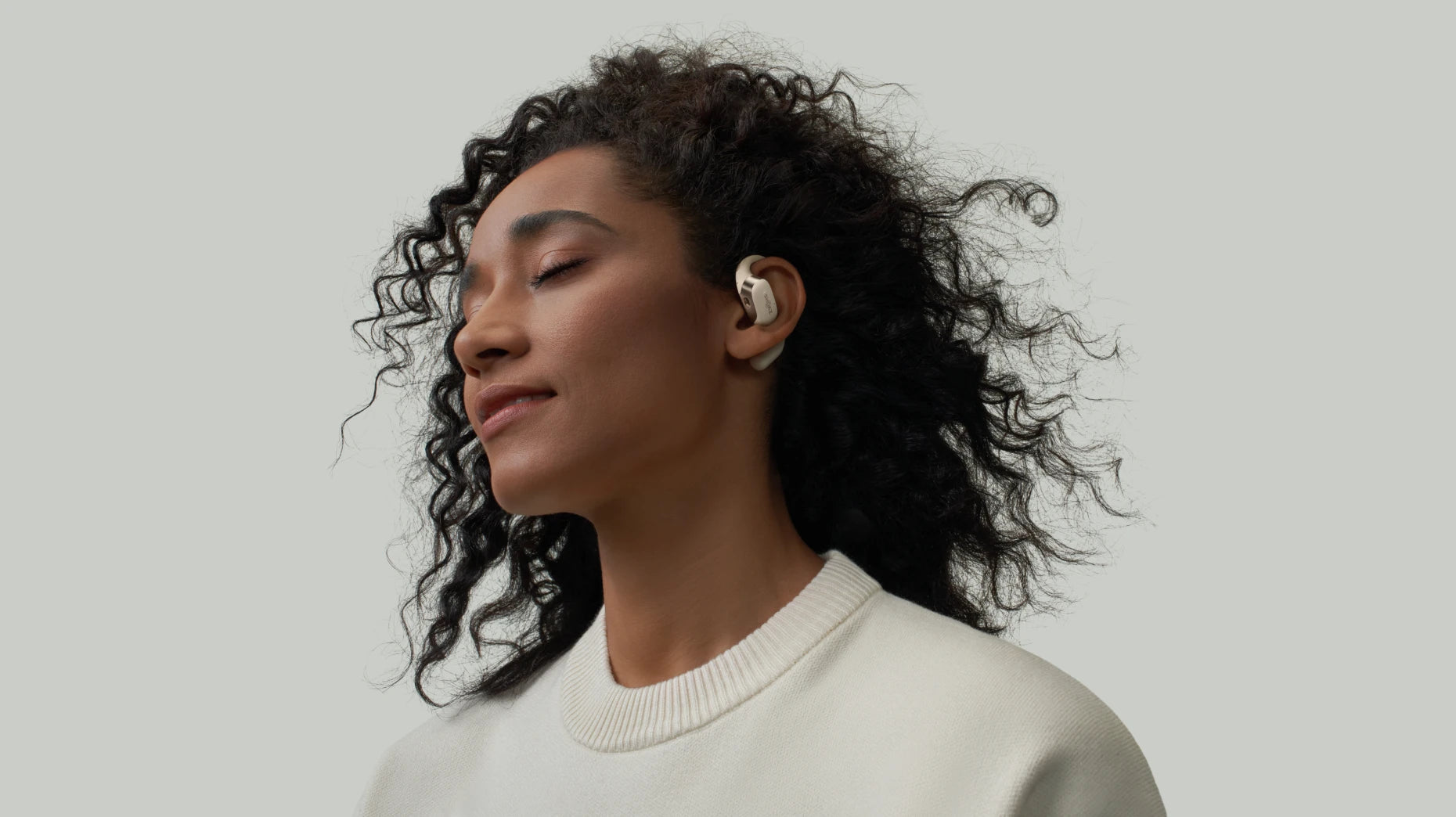
Shokz OpenDots ONE is a prime example of balancing output with safety. Using Bassphere™ and Dolby Audio, it creates a directional sound field that delivers punchy lows and sharp highs without needing to be shoved inside your ear canal. Its open-ear design bypasses direct pressure on the eardrum and keeps the area dry, making it a much healthier alternative for long-term listening.

4. Avoid Using Headphones in Noisy Environments
Don't get into a volume war with your surroundings. Trying to drown out a bus or a busy street by maxing out your levels is a losing battle. It forces your eardrums to deal with massive pressure just to hear the audio over the background din. If it’s too loud outside, the only safe move is to wait until you’re somewhere quieter to actually listen.
5. Monitor Signs of Hearing Fatigue or Damage
Pay attention to how your ears feel when using headphones. If you notice ringing, muffled hearing, or soreness, stop now! It’s a sign to give your ears a break. Hearing fatigue can sneak up on you, so don’t ignore these warnings.
FAQ
1. Do headphone boosters really work?
They do, but use it carefully. A booster kicks up the digital gain to force more volume out of a quiet signal. It's effective. But it easily pushes decibels into a range that will blow out your drivers or fry your hearing.
2. How do I increase the volume on my headphones?
First, kill any "Hearing Safety" caps in your device settings. If that’s not enough, an external amp is a bet for a clean power boost. Also, don't overlook the obvious: a clogged speaker mesh. At the same time, remember to think of your ears. Don’t push them too hard.
3. What is a healthy headphone decibel level?
The general consensus is to stay under 70 dB. Once you start redlining past that mark for hours on end, you’re looking at cumulative strain that may lead to hearing loss. Keeping it at a moderate level is the only way to play it safe long-term.
4. What is the 60 rule for headphones?
It’s a simple limit to stop you from blowing out your eardrums. Don’t push the slider past 60%, and give it a rest after 60 minutes. Your ears need that gap to recover from the constant pressure.
5. Do headphones lose volume over time?
They definitely do. Drivers lose their elasticity, and magnets eventually weaken, which kills the punch of the audio. On top of that, everyday gunk blocks the grill. Keep them clean and store them properly if you want to delay that inevitable drop in output.
Conclusion
Mastering how to make headphones louder involves a direct trade-off between hardware limits and software tweaks. Start by just cleaning debris out of the driver mesh and using the right amplification tools. Last but not least, keep your decibel levels monitored to ensure you don't trade long-term hearing for a temporary boost in gain.
Author Information

guides on Shokz
Related Posts