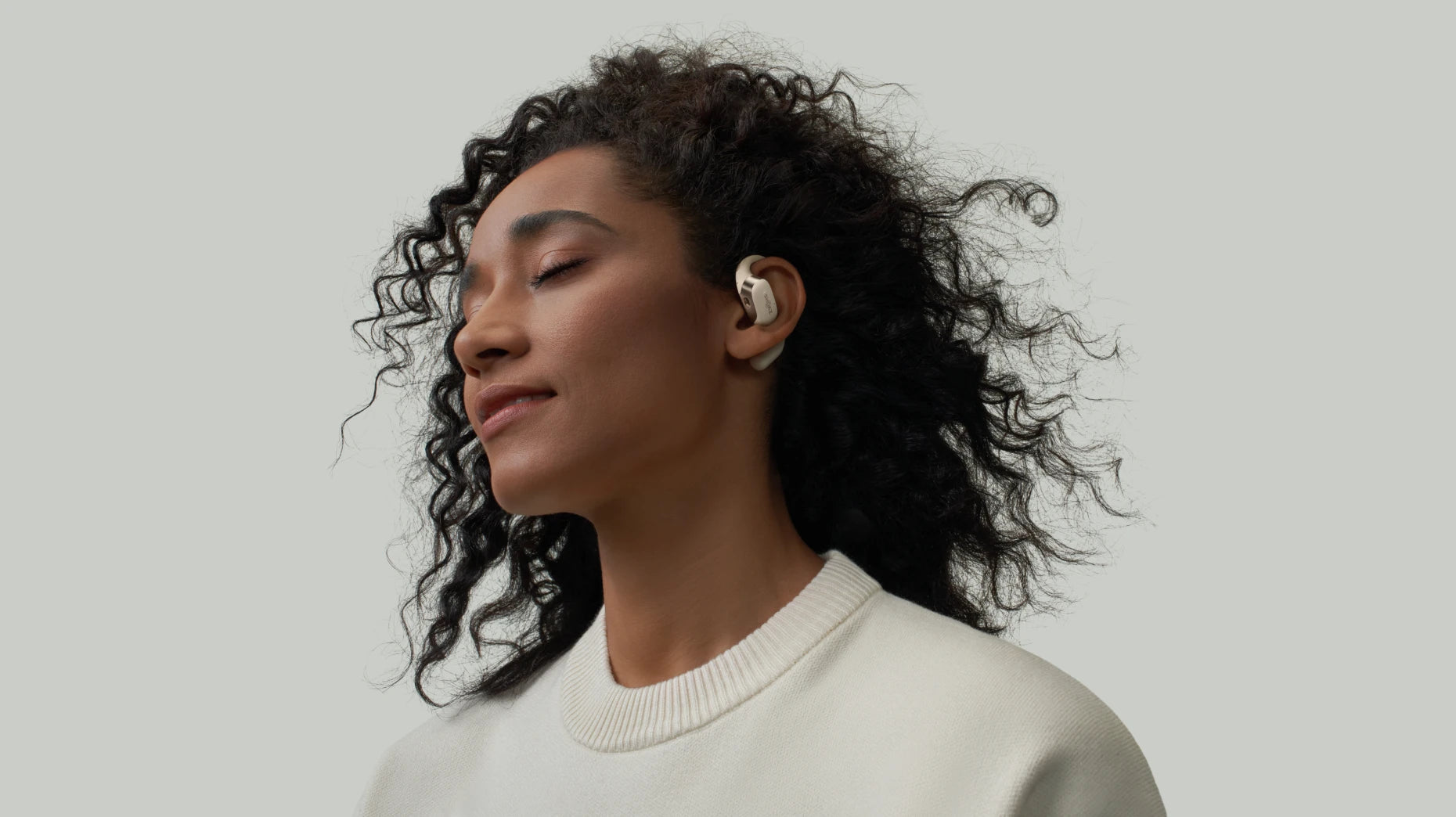
Shokz OpenFit 2+ Complete Manual: Touch Controls, Button Functions, Pairing & EQ Instructions
If you’ve just purchased the all-new OpenFit 2+ and want to get the most out of your earbuds, you’re in the right place. Building on its predecessor, the OpenFit 2+ introduces two major upgrades: Dolby Audio and wireless charging. This guide covers all the essential features—from controls and pairing to charging and sound customization—so you can enjoy the full experience.
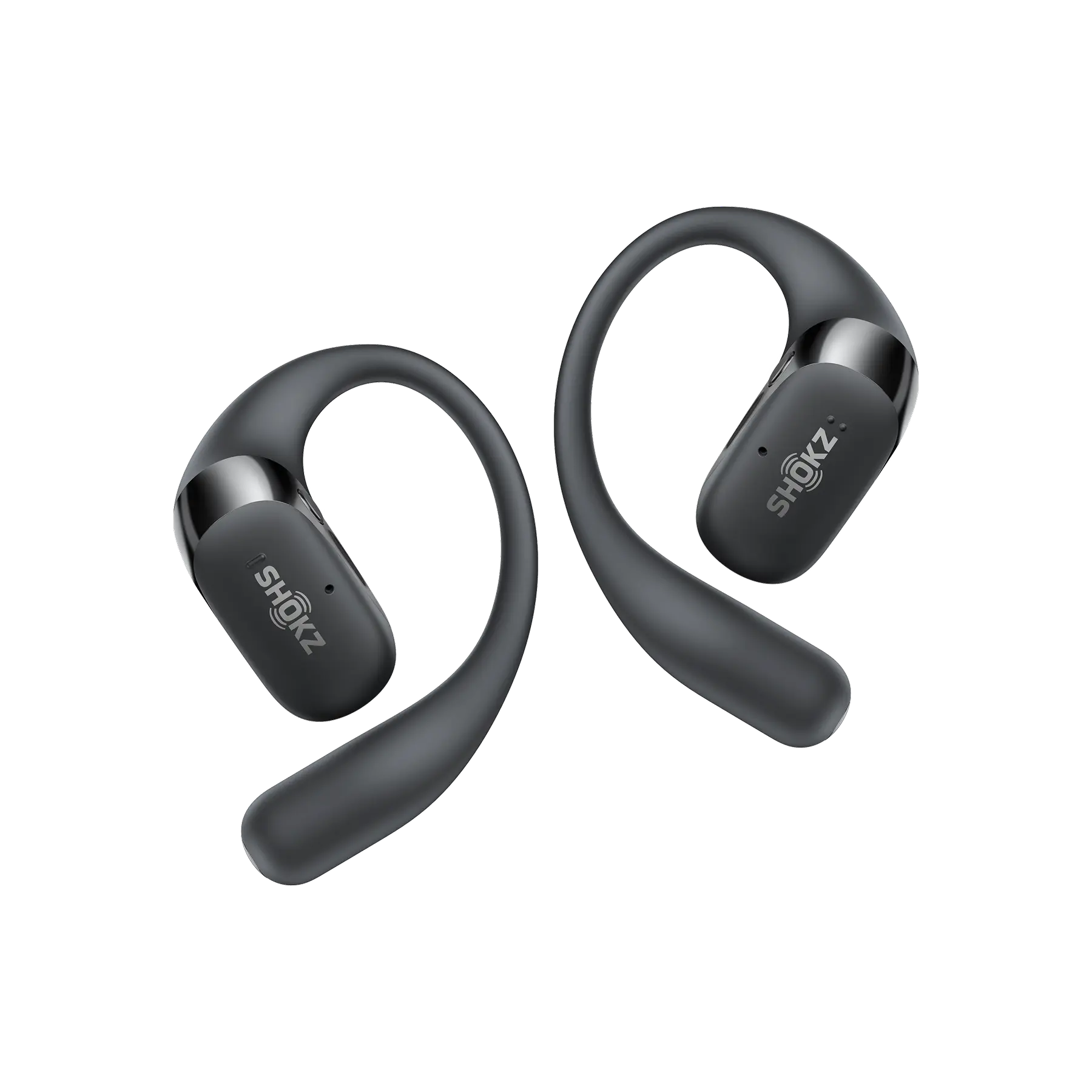
How to wear
Designed with Ultra-Soft Silicone™ 2.0, the OpenFit 2+ offers a comfortable and secure fit that’s easy to use.
To wear your earbuds:
Take them out of the charging case
Position the hook so it aligns with the top of your ear
Gently rotate the earbud backward so the hook rests behind your ear
Ensure the speaker sits comfortably just inside your ear
Once in place, you’re ready to enjoy your audio.
Earbud Controls
The OpenFit 2+ includes two control areas:
A Touch Area on the flat surface near the Shokz logo
A Physical Button on the side of each earbud
The physical buttons let you manage music, calls, and volume with ease.
Music Control
Single press: Play or pause music
Double press: Skip to the next track
Triple press: Go back to the previous track
To adjust volume:
Press and hold the right earbud to increase volume
Press and hold the left earbud to decrease volume
Call Control
Single press: Answer or end a call
Double press: Decline an incoming call
Voice Assistant
When your hands are full, Audrey—your Shokz voice assistant—can help.
To activate:
Press and hold the Touch Area until you hear a prompt
Note: This feature must be enabled in the Shokz App before use.

Dolby Audio
Dolby Audio enhances your listening experience with greater depth, clarity, and spatial sound. Whether you’re listening to music, watching videos, or tuning into podcasts, it creates a more immersive sound environment.
You can turn Dolby Audio on or off in the Shokz App. Make sure your earbuds are connected to your phone before adjusting this setting.

Wireless Charging
The OpenFit 2+ charging case supports Qi-certified wireless charging.
To charge your case:
Connect your wireless charging pad to a power source
Place the case in the centre of the charging pad with the logo facing up
Make sure the case is properly aligned for efficient charging.
Charging indicators:
Solid orange: Charging in progress
Green: Fully charged

Multipoint Pairing
Multipoint Pairing allows you to connect your earbuds to two devices at the same time—perfect for switching between your phone and laptop.
To pair your earbuds:
Open the charging case (first use enters pairing mode automatically)
Go to Bluetooth settings on your device
Select “OpenFit 2+ by Shokz”
To re-enter pairing mode:
Place both earbuds in the case
Press and hold the case button for 3 seconds
To connect a second device:
Open the Shokz App
Select “Multipoint Pairing”
Follow the on-screen instructions
EQ modes
The OpenFit 2+ features four EQ modes to match your listening preferences:
Standard Mode: Balanced sound for everyday use
Vocal Mode: Enhanced mids for podcasts and audiobooks
Bass Boost: Stronger low frequencies for energetic music like hip-hop and EDM
Treble Boost: Clear highs for classical, acoustic, and softer genres
To switch EQ modes:
Press and hold both volume buttons while music is playing
Or adjust settings directly in the Shokz App

Shokz App
For the best experience, download the Shokz App.
With the app, you can:
Switch EQ modes
Enable Dolby Audio
Manage Multipoint Pairing
Monitor battery levels in real time
Update firmware
Locate misplaced earbuds
You can also customize controls and create your own EQ settings for a more personalized listening experience.
FAQ
1.Are OpenFit 2 Series earbuds sweat-resistant?
Yes, they come with an IP55 rating, making them resistant to sweat and light rain—ideal for workouts and outdoor activities.
2. What music works best with OpenFit 2+?
Each EQ mode is optimized for different types of audio:
- Standard: Suitable for all genres
- Vocal: Best for podcasts, audiobooks, and voice-focused content
- Bass Boost: Ideal for hip-hop, EDM, and rock
- Treble Boost: Great for classical music and acoustic tracks
Conclusion
Congratulations on your new OpenFit 2+ earbuds! Whether you’re working out, commuting, or relaxing at home, these earbuds are designed to deliver a premium listening experience wherever you go.
Author Information

guides on Shokz
Related Posts